A Friend’s Account Asked for a Code or Money. You Sent It
A real friend's account asked for a verification code or quick cash, and you helped. How to secure your own account, try to recover money and warn your friend.
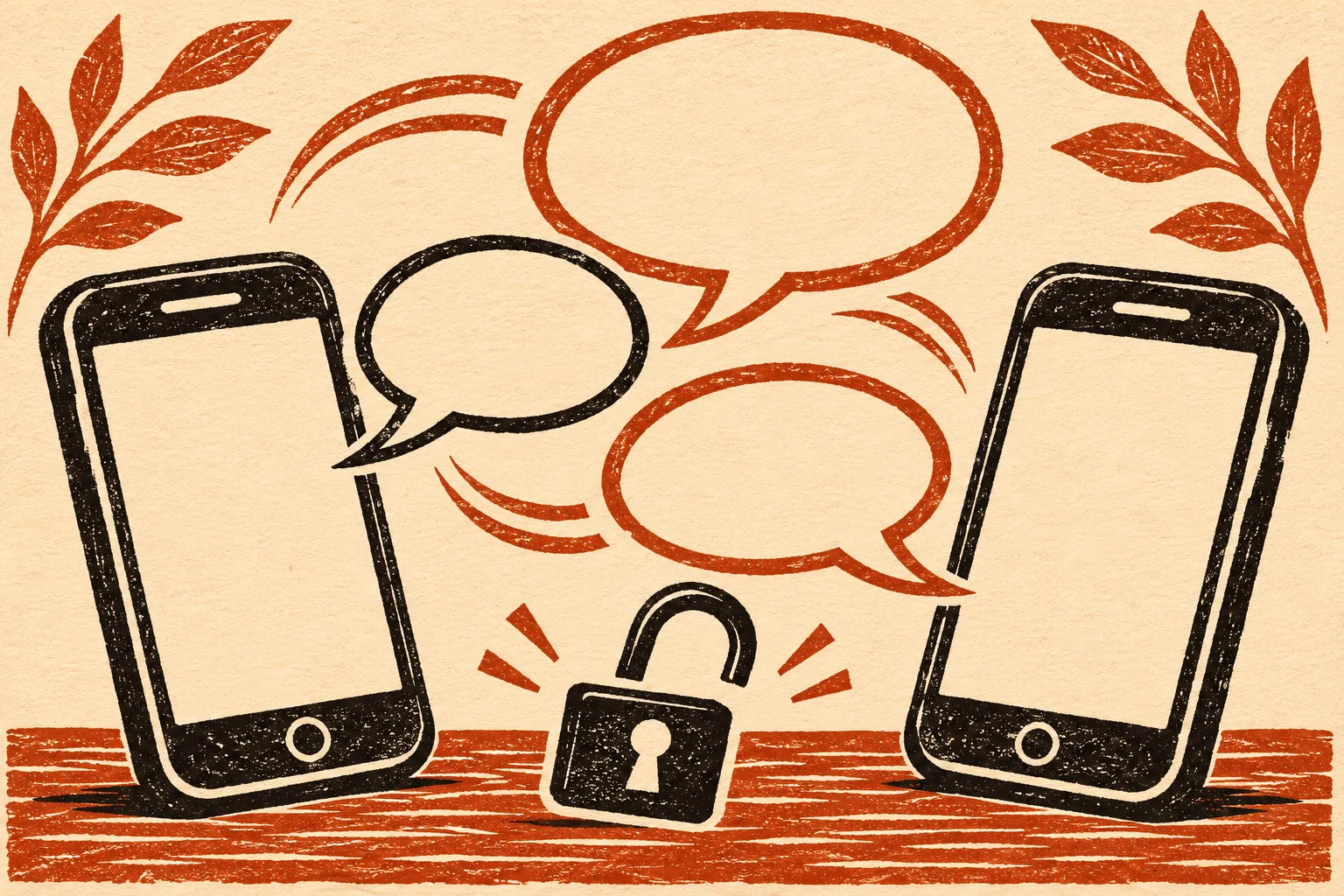
“Hey, can you do me a quick favor? I’m getting a code sent to your phone by mistake.” The name was right, the photo was right and it was an account you have chatted with for years. So you sent the code, or you sent $200 because they were stuck somewhere. Then your real friend texted to say they had been hacked.
A message from a known account is about as convincing as a message can get. There is no reason you should have been suspicious of a person you trust, and being helpful is not a mistake. What matters now is which of three things happened next, since each one needs a different response.
If you sent a code
A code you received was probably tied to one of your own accounts, and the person asking was trying to get in. The FTC’s alert on verification codes explains the mechanics: a code is a second login step, and scammers need both your password and the code to get in. It is blunt about the rest: “Anyone who asks you for your account verification code is a scammer.”
Look at the text that delivered the code. It usually names the service, whether it is your Instagram, WhatsApp, email or something else. Then go straight to that service.
- Try to log in. If you can, follow the FTC’s account recovery steps: set a new strong password, sign out of all other devices and turn on two-factor authentication.
- Confirm the recovery email and phone numbers on the account are yours. Remove any you do not recognize.
- Check for forwarding rules you did not create, sent messages you did not write, or new friends and posts.
- If you are locked out, use that provider’s recovery process, which the FTC links to for Google, Microsoft, Facebook, Instagram and Yahoo.
- If the password was reused, change it everywhere else.
Should your phone suddenly lose service at about the same time, call your carrier from another phone. That can point to a SIM swap rather than a single stolen code, and our guide on a phone that suddenly shows no service covers the order to act in.
If you sent money
Now the payment method decides your options, and every hour counts.
| You sent it by | Do this now |
|---|---|
| Zelle or bank transfer | Report it to your bank or credit union right away and ask for a reversal, as the FTC advises |
| Venmo, Cash App or PayPal | Report it in the app immediately and ask for a reversal and refund |
| Gift card codes | Call the number on the card, say a scammer tricked you into giving the number and PIN, and ask for a refund. Keep the card and receipt |
| Wire transfer | Contact the wire company at once, say it was a scam and ask for a refund |
| Credit or debit card | Call the number on the back of the card and ask for a refund |
| Cryptocurrency | Contact the exchange or ATM operator, say it was fraudulent and ask for a reversal. Then report it |
Explain it in one sentence to whoever you call: “Someone took over my friend’s account and impersonated them to get this money from me.” That describes an impersonation, which is what the fraud team needs to hear.
If you clicked a link or filled out a form
Sometimes the favor is a “vote for my niece” link or a page that asks you to log in. Assume whatever you typed is now known. Change that password, and check the same accounts for strange activity. If you downloaded something, update your security software and run a full scan, then delete anything it flags. The FTC’s guides put that scan ahead of the password change, so do it in that order.
If you typed in a card number, call the issuer. If you gave a Social Security number, start at IdentityTheft.gov/databreach.
Now report it
Report the account to the platform using its reporting tools, so the takeover can be reviewed, and file with the FTC at ReportFraud.ftc.gov. If you lost money, add a report to the FBI’s IC3. Save screenshots of the entire conversation first, since a hijacked account’s messages can vanish when the real owner regains control.
Your own account may also start sending the same message to your contacts if the takeover spread. If that has happened, the FTC says to tell your contacts directly by email, text or a post, ask them not to click links from your account, and ask them to ignore requests for help or money.
Telling your friend
Reach them another way, by phone or in person, and never through the account that wrote to you. Your friend may not know yet, and they may have a dozen other people to warn.
Tell them what the message said and when it arrived, and send your screenshots. They should work through the same recovery steps, and the FTC’s checklist of forwarding rules and sent folders matters most for them. If you lost money, be straightforward about that, but remember your friend is also a victim here and is not responsible for repaying you. How you handle that between you is a personal decision.
Scammers often contact a whole friend list at once, then try a second wave. A week or two later you may get a message saying “I got my account back, can you help with this?” Our guide on a “this is my new number” message uses the same check: pause and speak to the person on a number you already have.
One more thing to remember for later: a real friend who needs money can wait the two minutes it takes you to call them. Anyone asking you for a code, even someone you love, is asking for the one thing that should never leave your phone.
Sources
- FTC, What’s a verification code and why would someone ask me for it? (March 7, 2024)
- FTC, How to recover your hacked email or social media account
- FTC, What to do if you were scammed
Found a factual error or a source that has changed?
Send a correction →