Phone Suddenly Shows ‘No Service’? What to Do if It’s a SIM Swap
Your phone lost service and password-reset alerts started arriving. The first 30 minutes after a suspected SIM swap, which accounts to secure first, and what to ask.
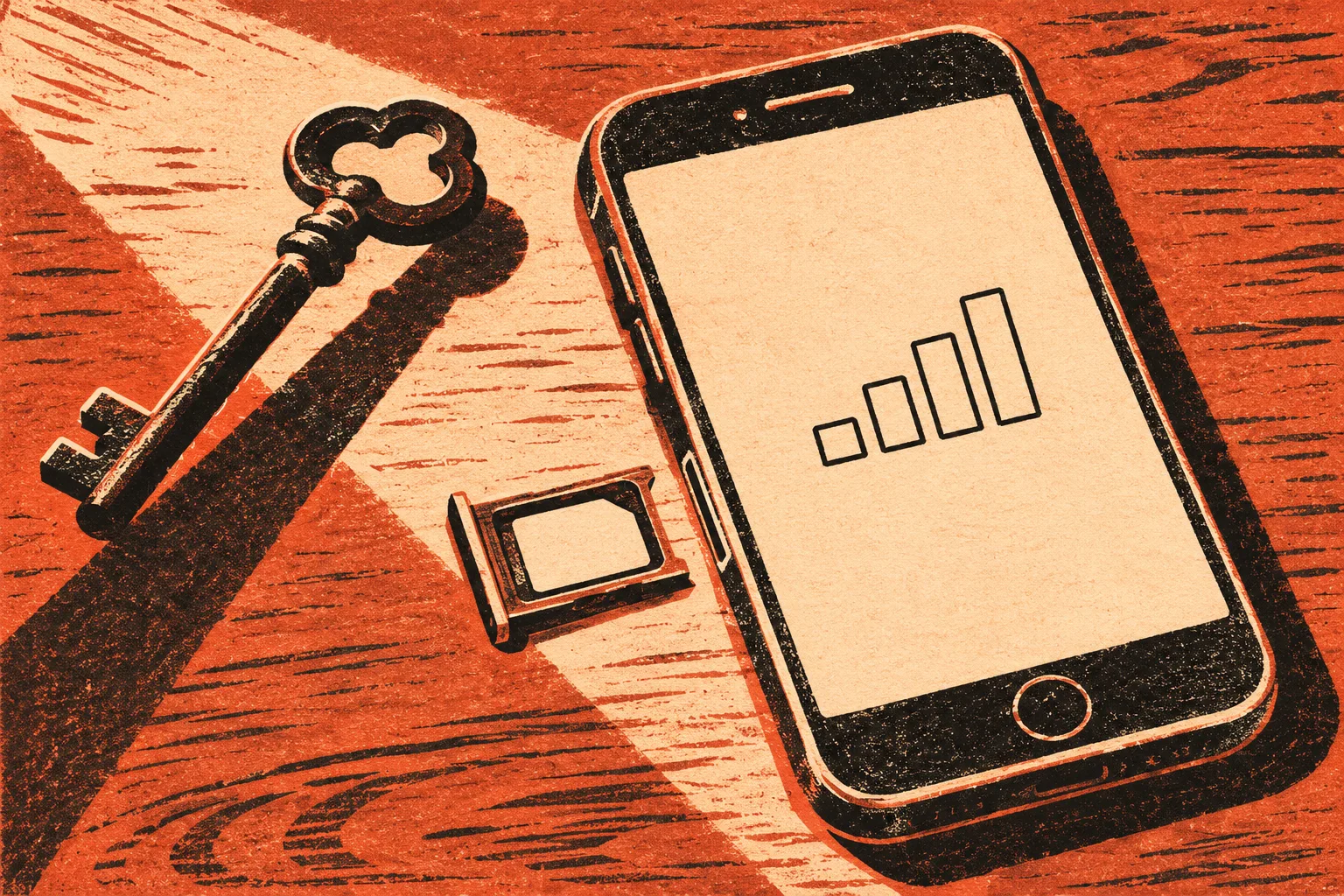
Your phone showed full bars this morning. Now it says “No Service” or “SOS only,” and an email just arrived about a password reset you did not ask for. That combination points to a SIM swap or a port-out, and the next half hour decides how much damage follows. This guide goes in the order that matters.
The first 30 minutes
- Rule out the ordinary. Restart the phone and check whether people around you on the same carrier also lost signal. If service comes back, you can stop here. If it does not, and especially if you see account alerts at the same time, keep going.
- Call your carrier from another phone. Borrow a phone or use a landline, and dial the customer service number from your bill or the carrier’s own website. Ask one direct question: “Was a SIM change or a number transfer made on my account today?”
- Get control of the number back. The FBI’s February 8, 2022 public service announcement on SIM swapping puts this first: contact your mobile carrier right away to regain control of your phone number.
- From a computer you trust, start on email. Your email account is where reset links go, so it comes before the bank in most cases. Change the password and sign out other sessions.
- Call your bank’s fraud line using the number on your card. Ask the bank to flag your accounts for suspicious logins and transfers, as the FBI recommends.
Many accounts send one-time codes by text. When someone else controls your number, those codes go to their phone, which is why password resets often start within minutes. The FBI’s announcement counted 1,611 SIM swapping complaints in 2021 with adjusted losses of more than $68 million, against 320 complaints and about $12 million across 2018 to 2020.
SIM swap or port-out: why the difference matters for the call
In a SIM swap, someone convinces your carrier to move your number to a new SIM card or eSIM that they hold. Your number stays with the same company. In a port-out, the number is moved to a different carrier altogether. Both leave your phone without service. When you call, ask about both, because the fix is handled by different teams. A port-out may also need your old carrier to work with the new one to bring the number back.
You do not need to know which it was to start. The carrier can see it on your account.
What to say to the carrier
Carriers handle these calls more smoothly when you are specific. A short script helps:
“My phone lost service today and I’m getting password-reset alerts I didn’t request. I think my number was moved to another SIM or ported out without my permission. Please check for any SIM change or port request on my account, reverse it, and put a lock on the account so the number can’t be moved again without me. I’d also like a reference number for this report and written documentation of the fraud.”
Write down the representative’s name, the time and the reference number. Ask the carrier to set a new account PIN or passcode that you have never used anywhere else, and ask whether any other changes were made, such as a new email address, a new authorized user, or a device order shipped to another address.
Accounts to secure, in order
Work from another device you trust, not from a phone the attacker may have touched. If your email password was changed and you are locked out, use the provider’s account recovery process from its official site rather than any link in a message.
| Order | Account | What to do |
|---|---|---|
| 1 | Mobile carrier | Reverse the swap or port, add a new PIN, turn on the free account lock, ask for documentation |
| 2 | Primary email | New password, sign out all sessions, check forwarding rules and recovery phone/email for changes |
| 3 | Bank, credit cards, payment apps | Call fraud lines, review recent transfers and payees, ask for alerts on logins and new payees |
| 4 | Crypto or brokerage accounts | Contact support through the official site, check withdrawal addresses and recent activity |
| 5 | Social media and messaging | Change passwords, review linked phone numbers, warn contacts if messages were sent in your name |
| 6 | Everything that used text codes | Move two-step verification to an authenticator app or security key where offered |
The FBI’s announcement recommends stronger multi-factor authentication, such as biometrics, physical security tokens or standalone authenticator apps, instead of relying on text codes, and unique passwords for each account. Do this once your number is back, because some services will ask for a code to the phone before letting you change settings.
If money already moved
Do not wait for the carrier to finish before calling your bank. Unauthorized transfers made by someone who broke into your account are treated differently from payments you were talked into making, so describe exactly what happened: you lost control of your phone number, and transactions followed that you did not make. Ask the bank how to file an unauthorized-transaction claim and how long you have to submit it.
- Card charges: the FTC’s guide for people who were scammed says to report the problem to your card issuer or bank right away and ask for a refund, and notes that federal law protects you from unauthorized use of your credit card.
- Payment apps: report the transfer inside the app and to the bank or card linked to it.
- Crypto: report to the exchange immediately. Recovery is uncertain, and anyone who later offers to get it back for a fee is a separate risk, covered in the guide to recovery offers after a loss.
If your identity details were exposed too
A SIM swap usually starts with someone who already knows enough about you to pass the carrier’s checks. If you see new accounts, credit inquiries or tax notices you do not recognize, report it at IdentityTheft.gov, which builds a recovery plan. The FTC says a credit freeze costs nothing to place or lift and has to be requested at each of the three bureaus: Equifax, Experian and TransUnion. A freeze stops new credit in your name; it does not affect accounts you already have.
If a stranger had earlier asked you to read out a code that arrived by text, that may have been part of the same attempt. The guide to code requests from buyers explains why those codes matter, and none of this is a reason to feel foolish: carriers themselves are now required to tighten their checks.
Report it
- Your carrier, as a fraud report, with the reference number noted.
- The FBI’s IC3 at ic3.gov, and local police or your FBI field office, as the 2022 announcement advises.
- The FTC at ReportFraud.ftc.gov or, if accounts were opened in your name, IdentityTheft.gov.
- The FCC, if the carrier will not help or fails to fix the problem, through its consumer complaint center at fcc.gov.
What the FCC rules require your carrier to do
In November 2023 the FCC adopted rules aimed at exactly this situation. As published in the Federal Register on December 8, 2023, wireless carriers must:
- use secure methods reasonably designed to confirm a customer’s identity before a SIM change or a number port;
- notify customers of SIM change and port-out requests;
- offer all customers, at no cost, a way to lock the account against SIM changes and ports;
- keep a clearly disclosed, easy-to-use process for reporting SIM swap and port-out fraud;
- promptly investigate and take reasonable steps within their control to fix it;
- promptly provide documentation of the fraud on request, and handle reporting, remediation and documentation free of charge.
That documentation is useful later. Banks, exchanges and police reports go more smoothly when you can show the carrier’s own record of the unauthorized change. If a representative says a lock or a fraud record is not available, ask for a supervisor and mention that you are asking for the protections the FCC requires.
Once the number is back, leave the account lock on. It adds one step when you change phones yourself, and it removes the easiest route for whoever did this to try again.
Sources
- FBI IC3, Criminals Increasing SIM Swap Schemes to Steal Millions of Dollars from US Public (February 8, 2022)
- Federal Register, Protecting Consumers from SIM-Swap and Port-Out Fraud (December 8, 2023)
- FTC, What to do if you were scammed
- FTC, What to know about credit freezes and fraud alerts
- FTC, IdentityTheft.gov
Found a factual error or a source that has changed?
Send a correction →