A ‘Refund Ready, Verify Your Account’ Message: What to Do Now
A text or email says a retailer refund is waiting if you verify your account. Sort what you did, from a tap to a typed card, and fix exactly that.
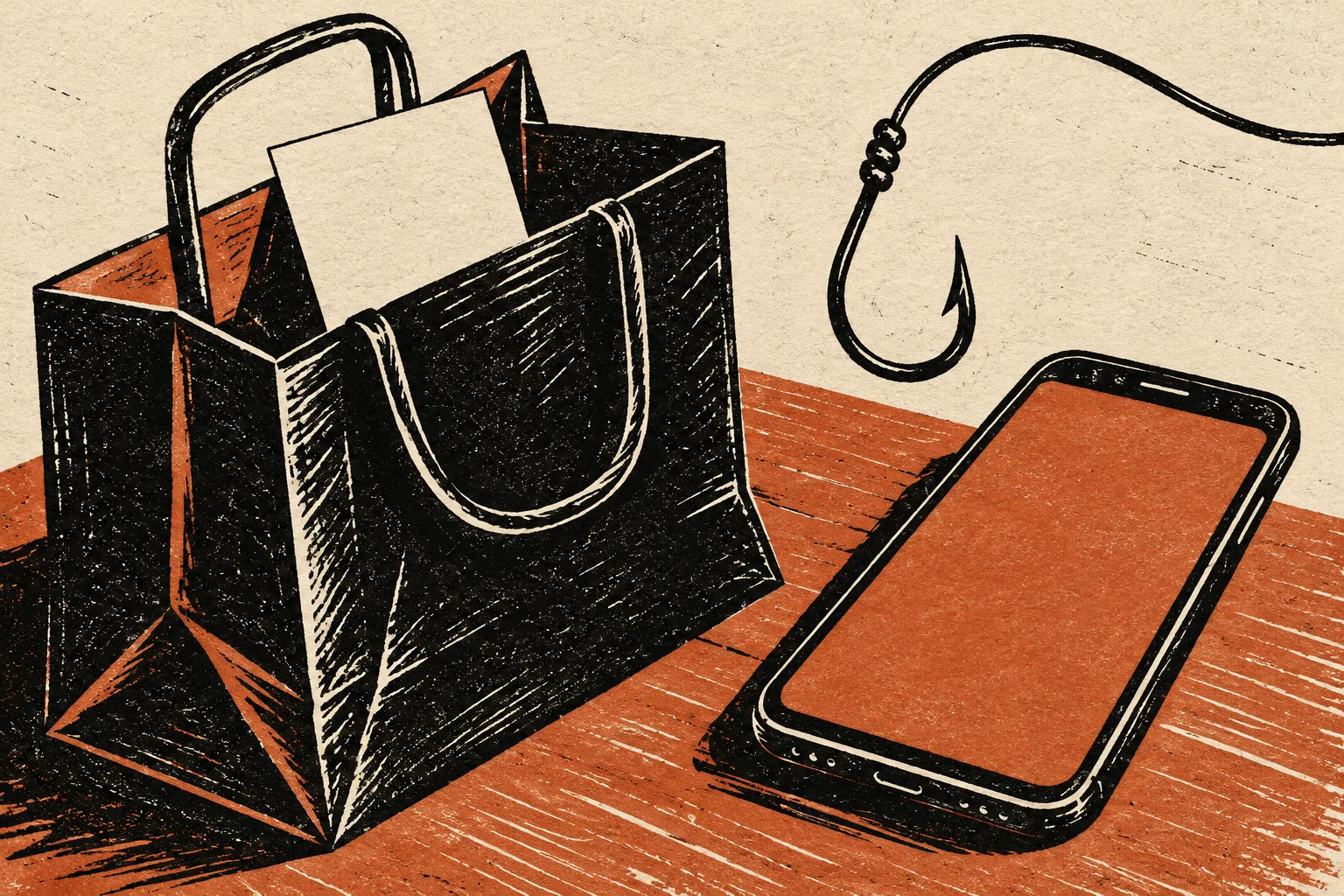
“Your refund is ready. Verify your account to receive it.” During holiday returns the message is easy to believe, and the page behind it is built to collect a login or a card. This guide is sorted by what you actually did, because that decides what needs fixing.
You sent a gift back last week, or you cancelled an order. A text or email arrives from a retailer’s name with a refund waiting and a button to confirm your details. Possibly you have tapped it. Possibly you typed something in. Both are common, and neither means the damage is large.
The FTC’s phishing guidance states a rule that covers this case: legitimate companies will not email or text with a link to update your payment information. Refund money returns to the way you paid; a real refund does not need you to prove who you are through a link.
Did you actually return or cancel something at that retailer? If you did, the refund is probably real and will arrive through the original payment method. If you did not, the message is not about you at all. Either way, check your order history by opening the retailer’s app or typing its address yourself.
Find your row
| What you did | What to do now |
|---|---|
| Read it and did nothing | Delete it. Report it (see the last section). Nothing else is needed |
| Tapped the link but entered nothing | Close the page. The FTC says if you clicked a link or opened an attachment, update your security software, run a scan and remove anything it flags |
| Typed your retailer login | Change that password now on the real site, then change it anywhere you reused it, and switch on two-factor authentication. Check the account for orders, new addresses and saved payment methods you do not recognize |
| Typed a card number | Call the number on the back of the card, say the details went to a fake refund page, and ask for the card to be replaced. Watch statements for charges you did not make |
| Typed a Social Security number or bank login | Follow IdentityTheft.gov for what was exposed, and contact the bank using a number you already trust |
| Read out a code from a text | Treat the account that sent the code as exposed. Change its password, and look at recovery settings |
Why a “refund” page asks for more than a refund needs
If a retailer owes you money, it already has your order and the payment method. A form asking you to re-enter a full card number, a password or a code is asking for something it does not need. That is the useful mismatch, and it is the same one the FTC points to when it says to contact a company using a phone number or site you know is real, not the details in the message.
The page itself may look right. Logos, colors and a believable order number are cheap to copy. Judge the message by what it asks you to do and how you reached the page, not by its design.
What to do if a login was typed
Go to the retailer by typing its address or opening its app, and sign in there. If you cannot sign in, the FTC’s page on getting back into a hacked account covers recovery. If you can, set a new password that you use nowhere else, then look for the options the service offers for reviewing signed-in devices or recent activity.
Check whether the same email and password protect other accounts. Reused passwords are what turn one fake page into several problems. A password manager makes unique ones less painful, but any method that gives each account its own password is enough.
If the retailer’s account holds a saved card, ask the retailer or your card issuer whether to remove it or replace the card. Do this in the retailer’s help section or by phone, not through the message.
If you also called a number in the message
Some messages give a phone number for “refund support.” A call there can lead to a request to install software or move money to receive an “overpayment.” If that happened, our guide to remote access after a fake refund call covers the sequence. If you only received an unexpected receipt and have not called, the receipt callback guide is the better fit.
A message promising a tax refund is a different pitch aimed at identity details; see the tax refund email guide.
Report it and move on
- Phishing email: forward it to [email protected], the Anti-Phishing Working Group, as the FTC suggests.
- Phishing text: forward it to 7726 (SPAM).
- Any version: report it to ReportFraud.ftc.gov.
Real refunds are slower than a button implies. A retailer’s own return page usually gives an expected timeframe; if a refund is overdue, contact the retailer through its official support rather than through the message.
When the timing fits, it still proves nothing
The hardest version of this message is the one that arrives the same day you really did send something back. The match feels like confirmation. It is not, for the same reason that a toll text after a road trip proves nothing: a message sent to very many people will reach some who just did the thing it mentions. Our piece on the toll text after a road trip makes the same point about coincidence. Compare the message with your order history, not with your memory of the week.
The first week afterward
After a login or card has gone to a fake page, the useful monitoring is brief and specific.
- Look at your card and bank statements every day or two for the first couple of weeks, and report anything unfamiliar to the issuer.
- Watch for security emails from the retailer about a new sign-in or a changed address, and treat any you did not trigger as a reason to change the password again.
- Be ready for a follow-up. People who typed a card number are sometimes called next by someone claiming to be the bank’s fraud team. That call should be answered by hanging up and phoning the number on your card; the same logic is behind the safe-account call guide.
If you handed a family member’s account or card to the page, such as a parent’s, make the same calls on their behalf and tell them what happened without blame. The quickest fix is often a replaced card, which takes minutes and closes the exposure.
Sources
- FTC, How to recognize and avoid phishing scams
- FTC, What to do if you were scammed
- FTC, How to recover your hacked email or social media account (linked from the FTC page above; not opened separately)
Found a factual error or a source that has changed?
Send a correction →