An unexpected PayPal invoice can be real paperwork for a fake demand
The invoice may genuinely arrive through PayPal while the purchase claim is false. Check account activity independently and keep the sender's note out of your support route.
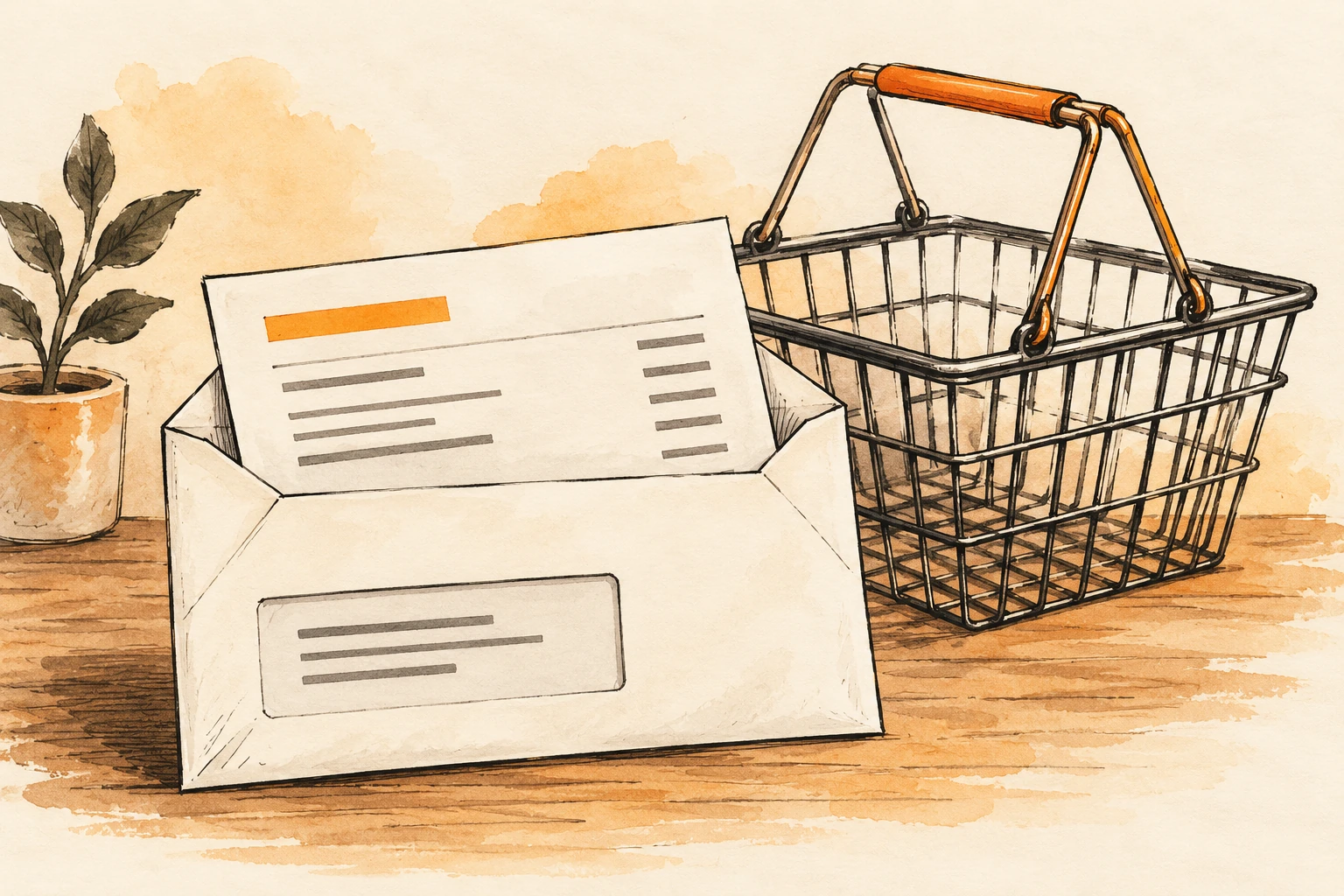
An email says you owe hundreds of dollars for a subscription or device you do not recognize. It appears to come through PayPal. The invoice includes a telephone number for cancelling the charge, and the note urges you to call before the money leaves your account.
Two questions need different answers: did a payment platform deliver this message, and do you actually owe the sender money? A genuine invoice is a request created by someone. It is not independent proof of a purchase, a debt, or an approved debit.
The safest first move is to open PayPal independently, using its app or a known website address. Do not begin with the number or link inside the unexpected invoice. That contact route may be the real purpose of the message.
Request, estimate, payment: read the status carefully
An alarming amount can draw your attention away from the document type. An estimate describes proposed work or cost. An invoice asks for payment. A completed transaction indicates something different again. Do not treat every document displaying a total as evidence that money has already been taken.
Look at your account activity and, if relevant, the payment account connected to it. If you see a completed transaction you do not recognize, use the platform’s official help and dispute channels. If you see only an unsolicited request, investigate that request without paying it to make the notification disappear.
PayPal’s invoice and money-request scam guidance explicitly describes both real requests for things never ordered and fake emails made to resemble its notifications. It advises against paying suspicious requests or calling numbers in their notes, and provides an in-account reporting route.
May establish where a notification was delivered from.
Still needs evidence of an actual order or obligation.
Must come from the platform independently, not the invoice note.
Why the cancellation number is the trap
The invoice can work even if you never intended to pay it. A person frightened by the apparent charge may call to dispute it. The person answering then claims to be support and introduces a new process: identity confirmation, remote access, a refund form, or a transfer to reverse an error.
At that point, the conversation has shifted from an invoice to control of your money or device. The caller may ask you to ignore a bank warning because this is supposedly a cancellation, not a purchase. What the app actually says matters more than the caller’s explanation of what it “really means.”
Do not approve a payment, disclose a login code, or install remote-access software merely to cancel an unfamiliar request. End the conversation and start again through the real platform. You are not obliged to finish a procedure introduced by an unverified caller.
Our fake purchase callback guide follows this transition in more detail. The invoice is sometimes only the opening prop; the damaging action happens during the attempted rescue.
A short decision table
| What you actually find | What to do next | What not to assume |
|---|---|---|
| An email, but no matching account activity | Report the suspicious message through official guidance | That the email proves your account was charged |
| An unsolicited invoice or request | Do not pay; use the available in-account reporting tools | That appearing inside the platform makes the demand valid |
| A familiar supplier with an unfamiliar amount | Confirm through an established supplier contact | That every unexpected invoice is necessarily fraudulent |
| A completed transaction you did not authorize | Contact official support and the relevant payment provider promptly | That deleting the email reverses the transaction |
| A caller asks for remote control or a transfer | Stop and secure any access already granted | That a “refund” label makes the action harmless |
What if you recognize the business name?
A genuine supplier can make an error. A fraudster can also use a familiar name, and a real business account may be misused. Check the order, agreement, and established contact information rather than relying on a logo or display name.
For a work purchase, use your organization’s normal approval process. Match the invoice to an authorized order and the known supplier record. If the payment destination changes, verify that change separately. A request sent through a reputable payment service should not bypass the controls you would use for a bank transfer.
For a household purchase, ask another authorized account user whether they recognize it without forwarding all sensitive details to a large group. The aim is to resolve a real uncertainty, not to spread an alarming message more widely.
If you called but did not pay
Write down what happened. Did you only discuss the invoice, or did you share your address, card number, password, or a one-time code? Did you install anything or allow screen sharing? Those details determine the response.
If credentials were disclosed, change them through the genuine service and review the account’s security options and activity. If remote access was installed or used, disconnect that session and seek trusted technical help to remove the access and assess the device. Use another trusted device for urgent banking contact if necessary.
Do not let the suspicious caller remain on the line while you speak to your bank. A separate conversation makes it easier to describe events accurately and hear the bank’s actual instructions. Keep any transaction confirmations or access logs you can safely preserve.
If money moved
Contact the platform and payment provider promptly. State whether you authorized the payment while being deceived or whether it occurred without your authorization. Do not change that account to match advice from an online stranger promising a better chance of reimbursement.
Ask what dispute category, evidence, and deadlines apply. Retain the invoice identifier, sender information, date, amount, and the messages that led to payment. Recovery depends on the circumstances; no article or support impersonator can guarantee it.
PayPal’s overview of common scams also warns about invoices used to trigger phone calls and about fake technical support. Use the contact links reached through the official site, not details copied into an invoice by its sender.
If the story changes to “we accidentally refunded too much,” do not send a new payment to correct a balance shown only on someone else’s screen. Our tech-support refund guide explains why a claimed overpayment needs independent confirmation.
The principle beyond PayPal
Many legitimate systems allow customers or outside parties to create messages, files, invitations, or invoices. A platform can faithfully deliver content that contains a dishonest claim. Delivery authenticity and business legitimacy are not interchangeable.
You do not have to solve email authentication to handle this safely. Open the real account, establish what actually happened, and use a support route the invoice sender did not choose. That breaks the connection between an alarming piece of paperwork and an unnecessary payment.
Found a factual error or a source that has changed?
Send a correction →