The Bill Is Real. The Search Result Taking Your Payment May Not Be the Biller.
A bill-pay search can lead to an unexpected intermediary. Check who received the money, whether the biller credited it, and what to do about misleading fees or exposed details.
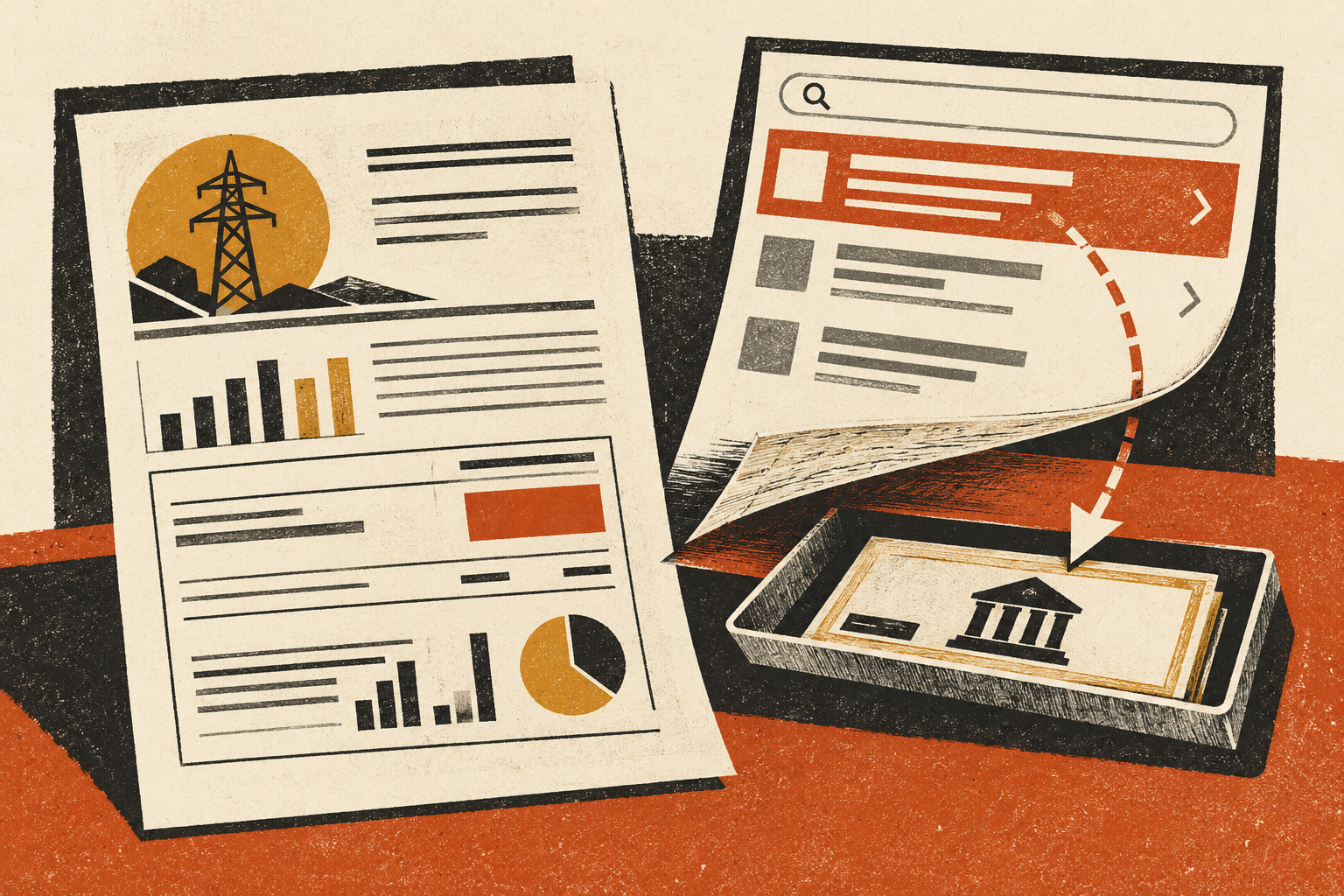
You search for your water company, choose a result near the top, and pay the amount on your bill. A confirmation arrives. Days later, the utility still shows an unpaid balance. The stressful question is no longer whether you paid. It is whom you paid, and whether that payment reached the account it was meant for.
The FTC’s August 2026 warning about bill-pay impersonators describes dishonest businesses using search advertising to intercept people looking for a company or agency’s payment site. That warning is a reason to check the destination, not a reason to label every advertisement or payment intermediary a scam.
Three situations that look similar on your screen
A utility may operate its own checkout. It may also direct customers to an authorized payment processor. Or a separate company may offer to forward a payment without being the utility’s chosen service. Those are different relationships, and the page’s branding may not make the difference obvious.
There is also outright impersonation: a page may claim to represent the biller while collecting money or account information for an unrelated purpose. A screenshot alone will not always establish which situation occurred.
Start with the records you can verify. What business name appears on the receipt? What merchant description appears in your bank or card account? Did the service disclose a fee, delivery time, or third-party status? Does the utility recognize that service as an authorized route?
| Finding | What it establishes | What it does not establish |
|---|---|---|
| The utility links to this processor from its own site | A stronger basis for a payment relationship | That every lookalike page is the same processor |
| An intermediary issued a receipt | A claimed transaction with that intermediary | That the utility has received or applied it |
| The bank shows a charge | Money was charged to that payment method | That the correct utility account was credited |
| The page used the utility’s name | Someone presented that name | Authorization, ownership, or endorsement |
Before paying: begin with the bill you already have
Use the web address, official app, or customer-service details on a previously verified bill. If you already have a working account bookmark, use it. An unexpected text reminding you of the bill should not replace that established route.
If the real utility sends you to a processor, examine that transition before entering details. A different domain can be legitimate; the important evidence is that you reached it through the biller’s established service and the transaction details match your account.
Read the total and the recipient, not just the payment button. A service fee, estimated delivery date, or statement that the company is independent changes what you are agreeing to. If you cannot determine who will receive your payment and how it reaches the utility, stop and ask the biller.
Already paid? Reconcile two records
Open the real utility account separately. Look for the balance, payment history, and account number. Then compare those records with the receipt from the service you used. A pending card transaction and an unpaid utility balance can coexist while a legitimate payment is processing, so do not assume fraud from a delay alone.
Contact the utility through its known route and ask a precise question: has a payment of this amount, on this date, from this service been received or scheduled? Ask what information it needs to trace the payment. Avoid sending complete card details in an ordinary support email.
If a deadline or disconnection notice is involved, discuss it directly with the utility. Ask how it handles a disputed or missing payment and record the answer. Do not assume a third-party receipt automatically stops late charges or a service interruption.
A second payment may be necessary in some circumstances, but establish the first payment’s status and discuss the deadline with the biller before deciding. Keep the two transactions identifiable if you do pay again.
When the intermediary does not resolve it
Save the service’s receipt, disclosed terms, fee breakdown, and any correspondence. Ask the service what it did with the payment and request a transaction or delivery reference. A vague assurance that the bill is “handled” does not resolve a mismatch in the utility’s records.
If you believe the service misrepresented itself, charged an undisclosed amount, or failed to provide what you bought, contact your payment provider promptly. Explain the facts accurately rather than selecting a dispute description that does not fit. Authorized payments, unauthorized charges, and service disputes are not necessarily handled in the same way.
The FTC’s payment-specific recovery guidance is a useful starting point. Ask the provider about deadlines and available options; a refund is not guaranteed. Preserve evidence even if the provider initially says it needs more time.
What if you entered a utility password?
Change an exposed password through the utility’s genuine account service. If you reused it elsewhere, secure those accounts too. Review contact information, payment methods, and account changes where those settings are available.
For card or bank details supplied to a suspected impersonator, call the financial institution using its established number. Describe the information disclosed and any transactions. Let it advise on replacement, monitoring, or other protections appropriate to that exposure.
A bill account number on its own is a different exposure from a banking password. Record what you actually submitted. That helps support staff respond without making you reconstruct the incident repeatedly.
Keep the useful evidence, not the dangerous route
Retain the receipt and a screenshot of the result or page if you already have one. Do not revisit a suspicious checkout just to gather more images. Report misleading advertising through the search service’s reporting feature and suspected fraud through ReportFraud.ftc.gov.
For a workplace invoice, apply the same destination check to an unexpected change of vendor bank details. In both cases, a familiar bill can be real while the newly supplied payment route is wrong.
Once the correct biller and payment route are confirmed, save that route for next time. The practical goal is not to become an expert in every search result. It is to stop rediscovering a trusted payment destination from scratch every month.
Found a factual error or a source that has changed?
Send a correction →