A Vendor Email Changed Its Bank Details. Pause Before Paying the New Account
A familiar supplier can be impersonated—or its inbox can be compromised. Use an independent callback and a documented approval step before changing payment instructions.
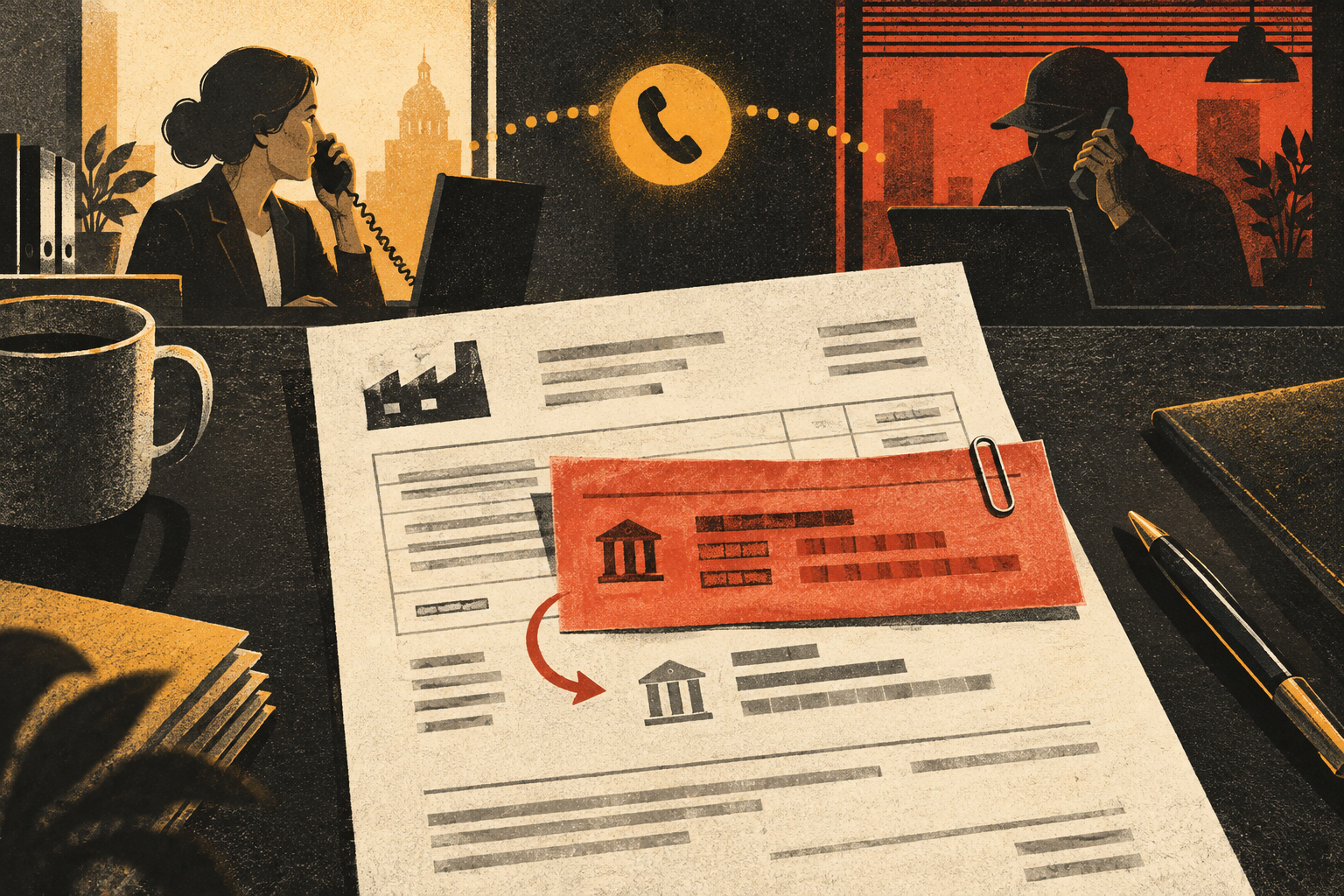
An invoice arrives from a supplier you have paid for years. The amount looks right. The logo, signature, and email thread are familiar. One line has changed: “We have updated our bank details. Please use this account for today’s payment.” The message may say the old account is being closed or that a deadline is approaching.
This is a classic business email compromise (BEC) pressure point. A criminal may impersonate a vendor, take over a real mailbox, or enter an existing conversation after learning that a payment is due. The request can look unusually ordinary because the attacker is trying to change only the destination, not the whole invoice.
Bottom line: Treat any new or changed payment destination as a separate, high-risk instruction—even when it arrives in a genuine-looking thread. Do not reply to the message to confirm it. Call the supplier using a phone number already held in your vendor records, confirm the change with a known contact, and require the second approval your payment policy specifies. Do not pay a “verification fee” or send a test transfer to an account supplied in the email.
How the request can reach accounts payable
There are two broad paths. In an impersonation attempt, the sender uses a lookalike address, a display name that resembles the vendor, or an email account unrelated to the supplier. In an account-compromise attempt, the criminal may send from a legitimate vendor mailbox or take over an employee’s real account. A familiar sender address is therefore useful evidence, but it is not enough to approve changed bank instructions.
Attackers may learn payment dates from prior messages or compromise an account before the invoice is due. They can create a new invoice, edit a PDF, or reply inside a genuine conversation. This is why a spelling check alone is weak protection: even a careful employee can see an authentic signature and thread history while missing the one change that matters.
| Observed detail | What it does—and does not—tell you | Action |
|---|---|---|
| Sender is an existing supplier contact | The mailbox may be real, spoofed, or compromised. | Verify through a previously recorded channel. |
| New routing or account number | A payment destination changed; the reason may be legitimate or fraudulent. | Freeze the change until a second employee confirms it. |
| Urgent deadline or secrecy | Pressure is being used to discourage routine controls. | Keep normal approval steps; escalate to finance leadership. |
| Phone number appears in the email | It may route directly to the person who sent the request. | Use the number already in your vendor file, not this one. |
A safer verification procedure
- Pause the payment. Do not edit vendor master data, replace bank details, or release the invoice while you investigate. A short hold is cheaper than trying to recover a transfer sent to a criminal.
- Use contact information you already trust. Call a number from a signed contract, prior verified paperwork, or the supplier record created before the request. Do not use a number in the new message, its attachment, or a search ad. If the vendor has a secure portal you used before, open it from a saved bookmark.
- Ask a concrete question. Confirm that the supplier requested the change, when it takes effect, the account name, and whether the old destination remains valid. Do not read out your company’s banking credentials or send a password to “prove” the call is legitimate.
- Document the result. Record who confirmed the change, the phone number used, the date, and which invoice it affects. If the vendor says it did not send the request, treat the email thread as potentially exposed and report it to your IT or security contact.
- Apply dual control. One employee should verify and another should approve the vendor-record update or payment. A new bank account should not be accepted merely because the same person who received the email says the callback was fine.
The callback should go to a person whose identity is independently established, not merely a person who can repeat details from the invoice. For larger vendors, use a known account manager or an established vendor portal. If you cannot reach the supplier, keep the payment on hold and contact your manager or finance lead. A deadline in an email does not make a new account safe.
What if the supplier says the change is legitimate?
Some businesses do change banks, merge, update payment processors, or move to a new treasury service. A safe process should be routine and documented, not improvised under pressure. Ask for a formal change notice through the vendor’s established channel, then verify it independently. Retain the old details until the transition is confirmed and your internal policy authorizes the update.
Do not rely on a signed PDF alone. Signatures and logos can be copied, and email accounts can be compromised. Do not rely on a tiny test payment either: it can confirm that a scammer-controlled account is active without proving the account belongs to the supplier. A supplier who is genuine should be able to participate in a reasonable, previously agreed verification process.
For sole traders and small nonprofits, a second reviewer may be the owner, treasurer, or another trusted officer. If staffing is limited, add a delay for all first-time or changed payment instructions, and keep a separate call-back log. It is better to tell a supplier, “Our controls require a confirmation call,” than to make an exception because the wording sounds familiar.
Red flags that should stop the transaction
- The message says the vendor cannot be reached on the phone number you already have.
- It asks you to keep the change private, bypass a normal approver, or pay before the close of business.
- The sender wants you to confirm a bank login, send a one-time code, or install remote-access software.
- The payment account name does not match the supplier, and the explanation is “just a temporary account.”
- A new contact insists that an ordinary callback will disrupt a deal or trigger a penalty.
One red flag does not prove fraud. Several together make an independent verification even more important. The same principle applies to personal banking: our guide to a caller who asks you to move money to a “safe account” explains why the destination must be verified outside the conversation that created the urgency.
If money has already left the account
Contact your bank’s fraud or wire department immediately using a number from the bank’s official website or statement. Ask whether the transfer can be recalled, frozen, or traced. If the payment went through a payment platform, contact its fraud team too. Explain that the vendor payment instructions were changed through an impersonation or compromised-email scheme. Timing matters, but do not assume a recall is guaranteed.
Notify the real supplier through the known contact, your finance lead, and your IT or security contact. Preserve the original emails, full headers if available, invoice versions, call notes, approval history, and transfer reference. Do not delete the thread or forward it to coworkers without warning; instead, follow your organization’s incident process. Ask IT to check mailbox forwarding rules, sign-in history, and whether other vendor or payroll messages may have been exposed.
In the United States, report business email compromise to the FBI’s Internet Crime Complaint Center at IC3.gov. The FBI describes supplier payment changes as a common BEC scenario and recommends out-of-band verification. A report is not a substitute for contacting the bank, but it may help connect the incident to other cases.
Small controls that prevent expensive exceptions
Make “new bank details” a distinct approval category in your accounts-payable workflow. Require two people for the vendor change, prohibit changing payment details from an email alone, and maintain a verified vendor contact list outside individual inboxes. For recurring suppliers, periodically confirm that the contact and callback number remain valid. Teach employees that a credible invoice can still contain a fraudulent destination.
Also consider how staff report a suspected message. If people fear being blamed for delaying an invoice, they are more likely to skip the pause. A good policy makes escalation normal: the person who notices a change can stop payment without making a fraud accusation. The question is not “Does this email look fake?” but “Have we verified this new destination through a channel that did not come with the request?”
Sources and further reading
- FBI: Business Email Compromise — supplier invoice and payment-change scenarios, with prevention steps.
- FBI IC3: Business Email Compromise — recommends a secondary channel for changes to account information.
- FBI IC3: BEC tactics used to defraud vendors — explains how messages can impersonate known companies and employees.
Found a factual error or a source that has changed?
Send a correction →