‘Your Streaming Payment Failed’ Email: Check Inside the App First
An email says your streaming account is on hold until you update your card. How to check inside the app in two minutes, and what to do if you entered details.
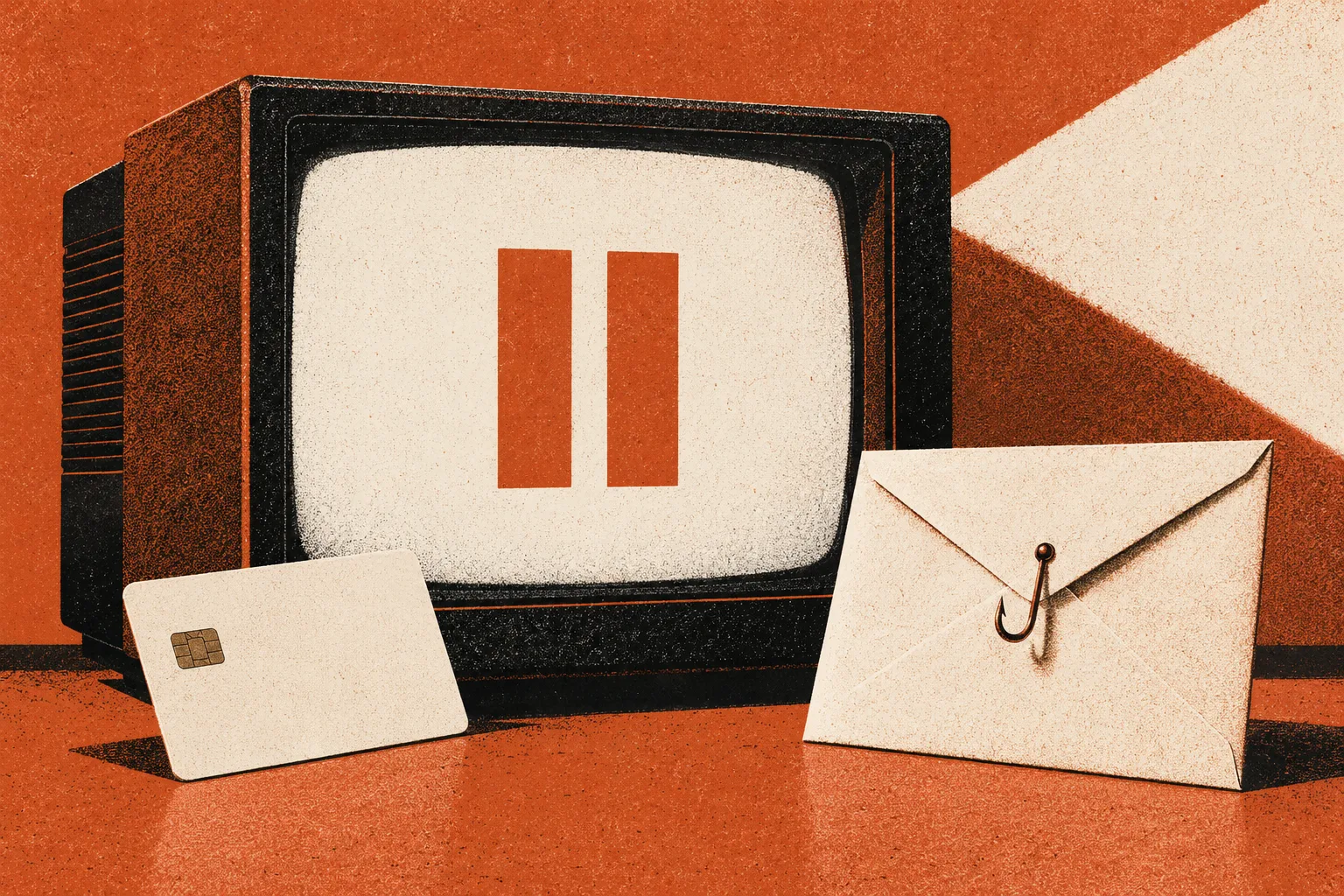
“Your payment failed. Your account is on hold.” If you are halfway through a holiday movie queue, the email lands hard. One check inside the app tells you whether it is real, and a short list covers what to do if you have already typed your card in.
The email looks right: the service’s colors, a red button, a line about updating billing “to avoid interruption.” You may even have a card that was recently replaced, which makes a failed payment believable. Here is a way to settle it in under two minutes without touching the email.
Check the account from the front door
- Close the email. Do not tap the button.
- Open the streaming app you already have, or type the service’s web address yourself.
- Sign in and look at the membership or billing page. If there is a payment problem, it will show there.
- If nothing is shown and your service works, the email was not about your account.
This is the same approach the FTC recommends for any message that claims a problem with an account: if you have an account, contact the company using a phone number or website you know is real, not the details in the message. The FTC adds that legitimate companies will not email or text with a link to update your payment information (FTC phishing guidance).
Netflix’s help center states that if an email or text asks for your account email, phone, password or payment method, it “probably didn’t come from Netflix,” and that it will never ask you to share personal information such as card numbers, bank details or passwords in a text or email. Other services publish their own versions, so check the help page of the one you use.
What you entered, and what to do
| You entered | Do this now |
|---|---|
| Nothing, you only tapped | Close the page. The FTC says to update security software and run a scan if you clicked a link or opened an attachment |
| Your streaming password | Change it in the real account. Update the same password on any other site where you used it. Netflix’s guidance also says to do this |
| A card number | Call the number on the back of the card. Ask for the card to be replaced and for recent charges to be reviewed. Netflix advises contacting your financial institution if you entered payment information |
| Bank login or Social Security number | Contact your bank through a number you trust. Use IdentityTheft.gov for the Social Security number |
| A code sent to your phone | Treat the account it protects as exposed and change that password. Review sign-in activity |
Why a failed-payment email works
Payment failures do happen: a card expires, a bank flags a charge. People get genuine notices from services all the time, so a failed payment email feels ordinary. The email also offers a cure that is one tap away, which is the point. The check that separates real from fake is not how the message looks but where the cure lives. A genuine problem can be confirmed from inside your account.
The message may carry a sender name that matches the service, with a sloppy address behind it. Hovering over the sender or the link on a computer shows where they lead. On a phone, skip the tap and use the app.
Report and clean up
- Forward the email to the service’s phishing address. Netflix’s page lists [email protected] for both emails and texts, and says to delete the message afterward.
- Forward an email to [email protected] (the Anti-Phishing Working Group, per the FTC) and a text to 7726.
- Report it at ReportFraud.ftc.gov.
If you entered card details, watch your statements for several weeks. A card replaced by the bank will stop the old number from working. If a charge appears later for something you did not buy, tell the issuer; for a credit card, the CFPB sets a written-notice window of 60 calendar days after the charge first appeared on a statement.
Where this fits with other billing scams
The family of “update your payment” messages includes parcels, hotels and utilities. See the redelivery fee page, the hotel card-verification guide and the bill-pay search result detour. If you called a number in a message and someone asked to connect to your computer, move to the remote-access response guide.
Check the details inside the account
When you sign in, there are a few things worth confirming: the date of your next billing, the payment method on file and the devices or sessions that are active. If those look as you expect and there is no payment notice, the email was not about a real problem. If something does look unfamiliar, such as a payment method or device you do not know, that is a separate issue; change the password and review activity from inside the account.
Three common situations
| Your situation | What it likely means |
|---|---|
| You do not have an account with that service | The FTC’s test applies: if you do not have an account with the company, the message may be phishing. Report it and delete it |
| You cancelled recently | A message about a failed payment on an account you ended does not fit. Check the account page; do not use the email |
| You share the account with family | Ask the account owner to check billing in the app. Do not forward the email around, since each tap is a chance for someone to click |
What a real notice looks like
A genuine payment problem usually shows up in more than one place. You may see a banner or message inside the app, or access may actually be limited. Netflix’s help page says it may email you about this kind of update with a link to its website, but it also tells customers to be cautious of fake emails, which is why the safe habit is to go to the app yourself regardless of how real the email seems. A message that cannot be confirmed in the account is not about your account.
If you shared the card with other services
A card number that was entered on a fake page can be used anywhere, not only at the service named in the email. After you replace the card, update it with the services you really use, from inside their own apps or sites. Skipping this step is a common reason a legitimate subscription later fails and a second, genuine-looking email arrives. Handle that one the same way: check inside the account.
Sources
- Netflix Help Center, suspicious emails and texts
- FTC, How to recognize and avoid phishing scams
- CFPB, How do I dispute a credit card charge?
Found a factual error or a source that has changed?
Send a correction →