Your New Streaming Device Asked for an ‘Activation Fee’? Steps
You searched for the activation page for a new TV or streaming stick, hit an error, called a number and paid a fee or let someone connect. What to do now.
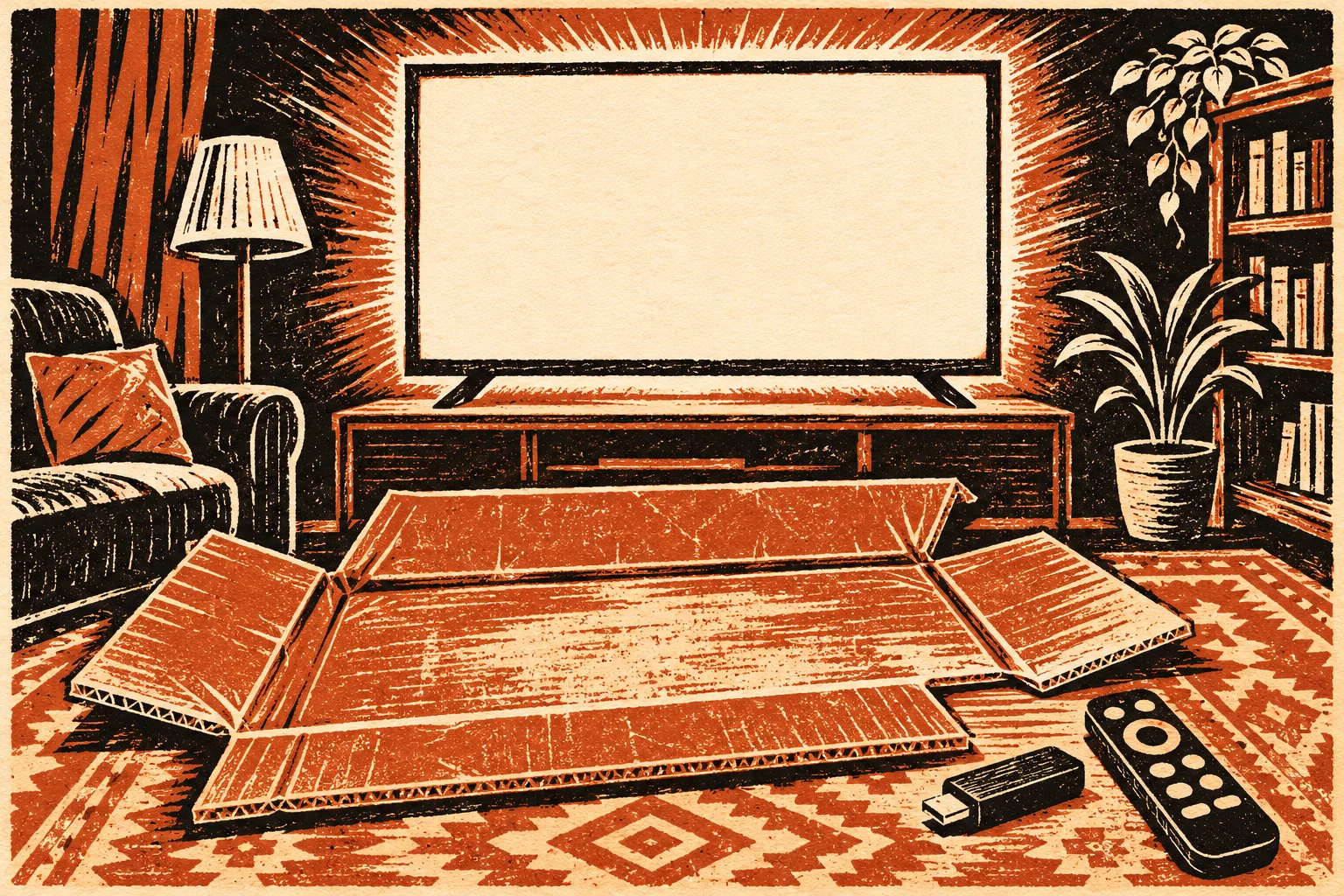
The box is still on the floor. The new TV or streaming stick showed a code and a web address, you typed something close to it on your phone, and a page said the code had failed. It gave a number to call. A friendly technician explained there was a one-time activation fee, or asked to connect to your computer to “finish the setup.” If that is where you are, this is what to do with the charge and the computer.
Start with the fact that settles most of it. Roku, the brand named in the warnings we found, says activation is free. A report by The Desk quotes Roku’s support page: “Roku does not charge an activation fee or charge for support,” and there is never a charge to create a Roku account. The same report says Roku identifies my.roku.com/link as the only genuine activation page. Other device makers have their own setup pages, so check the address printed in your device’s setup screen or manual.
How a typo became a phone call
The Desk describes the route. A setup screen shows a code and an address. If you mistype the address, or type it into a search box instead of the address bar, you land on search results. Lookalike activation pages show up there among the real ones, and the report notes that people activating from a smartphone are especially likely to run into them. The FTC’s page on tech support scams says scammers work to get their sites into search results and run ads, hoping you will call the number they list.
The fake page then lets you type in the code, reports an error, and points you to a phone line. That error is the hook. A real activation page has no reason to send you to a phone number to pay.
A BBB warning reported by KGUN 9 described customers charged between $79.99 and $249.99 to activate Roku devices after calling a number shown with an error message. Callers were reportedly told the fee was required by a new law or a new Roku policy. One complainant said a virus cost a further $300 to fix.
Find your branch
What you need to do depends on what happened on the call. Many people did more than one of these, so read every branch that applies.
| What happened | Main risk | First move |
|---|---|---|
| You paid a fee by card | The charge, plus the card number they now hold | Call the card issuer, dispute the charge and ask about a new card number |
| You paid by gift card, payment app or bank transfer | Money that is harder to pull back | Contact the gift card company or your bank today, using the number on the card or statement |
| You let them connect to your computer or phone | Software left behind, and anything they saw on screen | Disconnect, remove what they installed, run a security scan |
| You gave a password or your streaming account login | Account takeover and charges on linked subscriptions | Change it from a device they never touched |
| You signed up for a “lifetime support plan” | Repeat billing | Ask your issuer to block future charges from that merchant |
If you paid
The FTC’s guide to what to do if you were scammed says to report a credit card charge to the issuer immediately, using the number on the back of the card or the issuer’s app. Do the same with your bank for a debit card or bank transfer. For a gift card, call the number on the back of the card, say a scammer tricked you into giving the number and PIN, and keep the card and receipt.
When you call, describe it as a charge for a service that does not exist: activation of a device whose maker says activation is free. If the issuer asks for a written dispute, the FTC’s page on disputing credit card charges says the letter must reach it within 60 days after the first bill with the charge was sent to you.
If you let them connect
This is the branch to take most seriously, because a remote session can leave more behind than a single charge. The BBB advice reported by KGUN is to remove any software the third party installed and run a malware scan. The FTC says to update your security software and run a scan. In practice:
- Disconnect the computer from the internet while you clean up.
- Uninstall any remote-access or “support” program you did not have before the call.
- Update your security software, run a full scan, and delete what it finds.
- From a different device, change passwords for email, banking and any account you logged in to during the session.
- Check your bank and card statements for anything new.
Our guide to cleaning up after a remote-access session goes further, including what to do if they showed you a fake “refund” on screen. If a caller later offers to reverse the activation fee for you, treat it as part of the same scheme. We cover that call in the tech support refund trick.
If you gave a password
The FTC says to change it right away, and anywhere else you used the same one. For a Roku account, the BBB advice includes changing the Roku.com password and the passwords for services used on the device. Check your streaming subscriptions too. A fake “payment failed” message is a separate trick worth knowing about, and our page on streaming payment emails explains how to check inside the app instead.
Who to tell
- The device maker. The Desk and the BBB both list [email protected] for reporting a fake Roku activation site. For other brands, use the support contact inside the device’s own settings or manual.
- The FTC, at ReportFraud.ftc.gov. Include the site address, the phone number you called and the company name on your card statement.
- The search engine, if you reached the page through an ad. Use the search engine’s own report option for that ad, if it offers one.
What we could not confirm
We could not open Roku’s own support page directly, so the Roku wording above comes from The Desk’s quotation of it. The Desk’s report dates from December 2019 and the date of the BBB warning was not shown on the KGUN page. The pattern has been reported for years, but we found no current figure for how many people it reaches each holiday season.
Setting up the next device
Holiday gifts mean a second TV or a stick for a relative, so here is the short version for next time. Type the address exactly as the setup screen shows it into the browser’s address bar, not a search box. If a page says your code failed, go back to the device and request a new code rather than calling anyone. And if any setup page asks for a card number, close it. The device you already paid for does not need a second payment to start working.
Sources
- The Desk, report on fake Roku activation sites, quoting Roku’s support page (December 2019)
- KGUN 9, BBB warns of company allegedly tricking people into paying fees to activate Roku
- FTC, How to spot, avoid, and report tech support scams (updated September 2025)
- FTC, What to do if you were scammed
- FTC, Using credit cards and disputing charges
Found a factual error or a source that has changed?
Send a correction →