Someone Copied Your Rental Listing. What Owners Should Do Before Another Deposit Disappears
A response guide for owners and managers whose property photos are used in a fake rental ad: preserve evidence, report the listing, and help applicants verify the real process.
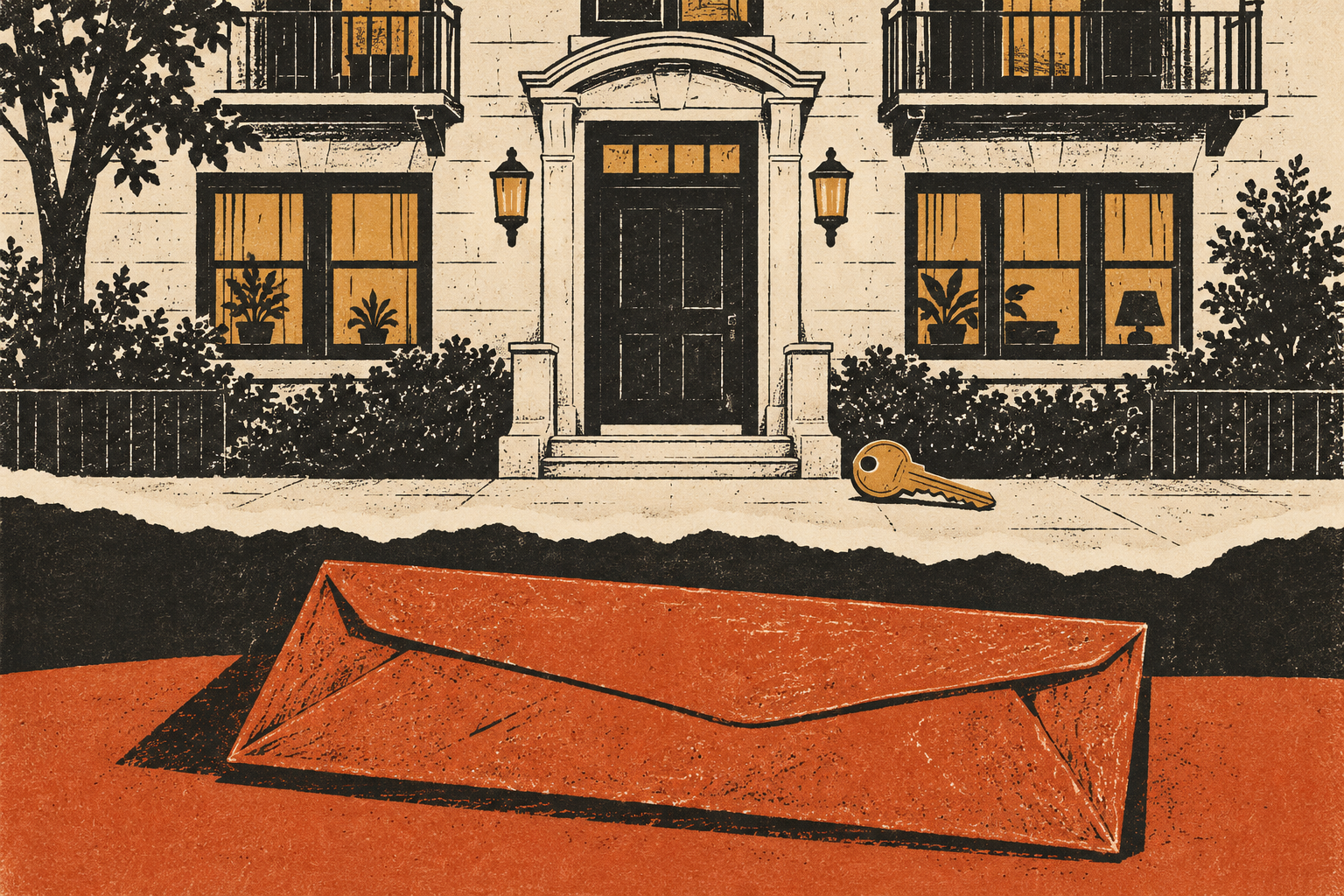
A stranger calls about collecting keys. They say they paid a deposit yesterday, but you have never spoken to them. The address is yours, the photographs are yours, and the advertisement even uses your company’s name. The bank account on their receipt is not yours.
For the owner or property manager, this is a different problem from deciding whether a rental offer is genuine. Your legitimate listing has become someone else’s sales material. You need to interrupt the impersonation without collecting more sensitive information from already frightened applicants.
The FTC describes rental scammers copying real listings, changing the contact details, and reposting them elsewhere. It also warns that self-guided tours can be exploited to make the false offer convincing. This article turns those documented risks into a practical response checklist for the legitimate property contact; it does not establish who controls any particular fake advertisement.
Start with the listing, not a confrontation
Ask the person who contacted you for the public listing URL and the name used by the supposed agent. You do not need their full identification document, complete bank statement, or gift-card codes to recognize that another person is advertising your property.
Save the listing as it appears, including the URL, displayed account name, advertised price, date observed, and contact instructions. Preserve the original files rather than annotating the only copy. Keep a separate note explaining which details differ from your actual offer.
Do not send money or start a fake application to gather evidence. Do not threaten the account operator or invite applicants to confront someone at the property. You are documenting an apparent impersonation, not running an investigation that requires additional exposure.
Check whether the problem is a copied ad or your own account
An advertisement on an unrelated service does not automatically mean your listing account was hacked. Public photographs and descriptions can be copied without access to your account. Conversely, an unfamiliar edit inside your actual account deserves immediate attention.
Open the property platform through your usual saved route. Review the listing, authorized users, contact details, and available account activity. If you find unexplained changes or cannot sign in, use that platform’s official account-recovery process and notify the other people authorized to manage the listing.
Change an exposed or reused password and review available multifactor-authentication options. Do not reset accounts through a link sent by someone claiming to be the platform’s fraud team. The incident may generate legitimate support correspondence, but it does not make every subsequent message trustworthy.
| What you find | Immediate workstream | Do not assume |
|---|---|---|
| Copied photos on another website | Document and report the external advertisement | Your own account was necessarily accessed |
| Your genuine listing has a new phone number | Secure the account and verify authorized edits | Removing an external copy fixes your account |
| Applicants have paid another person | Provide accurate verification and direct them to their payment provider | You can reverse a transaction you did not receive |
| Someone is entering through a showing service | Contact the actual showing provider and review authorized access | A door code proves the visitor rented the property |
Give the platform a report it can act on
Reach the listing host’s help center independently. Select the reporting route for fraudulent listings or impersonation, as applicable. Submit the specific advertisement rather than a general complaint that scammers are using your pictures.
A concise report can identify the property, your relationship to it, the legitimate listing, the copied advertisement, and the changed contact details. Explain whether you have received reports of payment demands. Distinguish what you personally observed from what an applicant told you.
If proof of ownership or management authority is requested, use the platform’s secure submission process. Ask what document and redaction are acceptable. Do not post a deed, management contract, tenant information, or personal identification in a public comment thread to establish credibility.
Retain the report reference and response. Removal of one advertisement is useful, but it does not prove that every copy has disappeared or identify the person responsible. Search the exact address again after the report is handled and document any remaining relevant copies.
Warn applicants without publishing their information
Place a short notice on your established company website or genuine listing, if the platform permits it. Make the legitimate application route clear. An applicant should be able to verify the notice through a channel they found independently, not just another link passed through a chat.
We have received reports of an unauthorized advertisement for this property. Confirm availability, agent identity, and payment instructions through our published office contact before sending money or documents. We cannot verify a third-party offer from a photograph or showing code alone.
Keep the warning factual. Do not publish an applicant’s name, payment receipt, phone number, or allegations against an identifiable person whose role is unconfirmed. A legitimate account may itself have been compromised; a displayed name does not settle who operated it.
If someone already paid
Tell them clearly whether your organization received the money or authorized the named representative, based on records you can actually check. Avoid suggesting that their loss is merely a misunderstanding before examining the relevant details.
Encourage them to contact the bank or payment service they used promptly. The FTC’s scam-response guide separates options by payment method. The person who made the transaction should give their provider the original recipient, amount, date, and supporting messages. Recovery is not guaranteed.
If they supplied sensitive identity information, point them to IdentityTheft.gov for US exposure-specific guidance. Do not offer to collect their documents and resolve identity theft yourself. Your useful role is confirming the legitimate rental relationship and preserving relevant evidence.
Handle property access as its own issue
Where self-guided tours or remote access arrangements exist, contact the actual service provider. Explain the copied listing and ask it to review showing permissions and available records. Follow its authorized process for changing access arrangements.
Coordinate with the responsible manager and any current occupants. Do not announce security details publicly or make unilateral changes that could lock out legitimate residents. If an immediate safety issue arises, use the appropriate local emergency or property-security channel rather than trying to settle it with the online advertiser.
Close the loop with a consistent process
Make sure every staff member gives the same verified answer about availability, agents, application services, and payment recipients. A warning loses value if the office then provides contradictory instructions through several informal numbers.
Keep a dated incident record and submit suspected internet fraud to IC3 or the relevant local authority. For the applicant’s side of the decision, share our existing rental-deposit verification guide. The new task for the owner is not to repeat that advice louder: it is to make the genuine process easy to identify and the impersonated listing easy to report.
Found a factual error or a source that has changed?
Send a correction →