Payday Went to a New Account? How Payroll Direct-Deposit Diversion Works
A direct-deposit change may come from a stolen payroll login or a convincing fake HR request. Here is what employees and payroll teams should check before payday—and what to do if a deposit disappears.
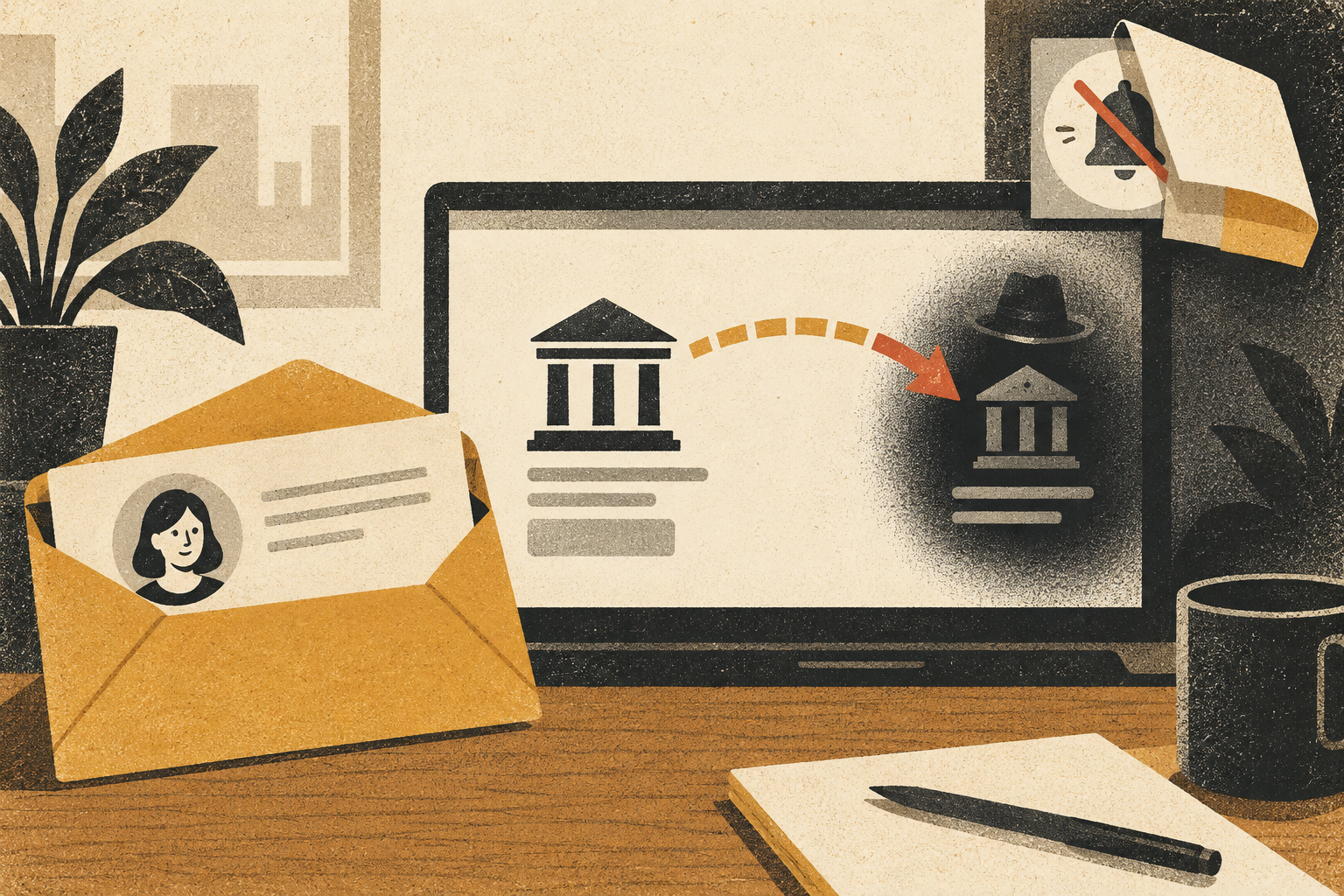
You open your payroll app to check payday and notice that the bank account is not yours. Or your paycheck simply never arrives, while the payroll portal says the deposit was sent. A direct-deposit change can be a routine employee update—but an unexpected change is also a known fraud pattern. The attacker may have stolen a payroll login, impersonated an employee to HR, or changed the destination through a compromised account.
The FBI’s Internet Crime Complaint Center has warned that criminals target employee payroll accounts, change direct-deposit details, and sometimes alter notification settings so the worker does not see an alert. More recent FBI guidance on account-takeover fraud also identifies payroll and retirement deposits as targets. The main practical point is to treat the change as both a missing-pay issue and a possible account-security incident.
Do this first: contact your employer’s payroll or HR team through a known internal phone number or portal, not a reply link in a message about the missing payment. Ask whether the account change was authorized, whether the deposit settled, and what trace or reversal process is available. If you used the same password elsewhere, change it from a trusted device and secure the email account that can reset payroll access.
Two different routes can produce the same missing paycheck
In one route, a criminal gets into the employee’s real payroll account. The fraudster may use a phishing message, reused credentials from another breach, or a fake login page. Once inside, they update the deposit destination or notification preferences. The employee’s own portal can show the change as if the worker made it.
In another route, someone contacts HR or a payroll help desk while pretending to be the employee. They may know the worker’s name, job title, manager, or last four digits from public or exposed information. They ask to change the direct-deposit account, sometimes claiming that a bank merger or “temporary issue” made the old account unusable. The employer’s verification process—not the employee’s password alone—becomes the key control.
| What you notice | Possible explanation | Next step |
|---|---|---|
| New account or card appears in your payroll profile | Unauthorized login or a legitimate change you do not recognize | Use the employer’s known contact and ask payroll to lock further changes. |
| Pay statement says “sent,” but funds are missing | Wrong account, bank delay, or deposit diversion | Ask payroll for the bank trace number and destination-change history. |
| Unexpected password reset or security alert | Someone may be testing access or changing recovery details | Secure the email and payroll accounts; report the alert to IT. |
| HR receives a change request you did not submit | Impersonation attempt or compromised work email | Ask HR to preserve the request and verify your identity through an established process. |
If you are an employee: respond in this order
- Use a trusted work route. Contact payroll using your company directory, HR portal, or a number you already have. Do not click a login link in an unexpected “payroll issue” text or email. Tell them the date you noticed the change and whether a paycheck is missing.
- Ask payroll to freeze the change. If the deposit has not been transmitted, ask whether the employer can stop it. If it has been sent, request the payment trace, the date, and the bank or card destination to which it was routed. Your employer’s process and the payment network determine what can be recalled.
- Secure the account from a trusted device. Change the payroll password if your employer permits self-service, use a unique password, and end other sessions if the service offers that option. Do not reuse a password from email or social media. If your work account may be involved, report it to IT rather than trying to hide the incident.
- Protect the recovery route. Secure the email account used for payroll password resets. Check its recent sign-ins, recovery phone and email, and forwarding rules. If an attacker can control that inbox, a password change in payroll may not be enough.
- Keep evidence and a timeline. Save alerts, timestamps, portal screenshots, pay statements, emails, and messages. Do not send your full account number or a one-time code in an email reply. Share sensitive details only through the employer’s approved channel.
If your payroll credentials were reused on other sites, change them anywhere else they were used—especially your primary email, bank, and retirement account. Start with the accounts that can reset the others. If you see unauthorized transactions, contact the financial institution through its official app or the number on your card.
If you manage payroll or HR
Build a separate verification step for bank-detail changes. A request received by email should not be enough. Call a phone number already on file or use a verified employee portal, then require a second approver for changes to deposit details. For remote or temporary employees, do not rely on personal details that may be present on a public profile or résumé.
Send change alerts to an existing contact route and make the alert actionable: state what changed, when it takes effect, and how the employee can report a change they did not make. If a worker reports suspicious activity, avoid dismissing it as a routine payroll delay. Record who changed the destination, from which session or workflow, and whether notification rules were altered. Follow your organization’s privacy and incident-response policies; do not circulate a worker’s financial information more widely than necessary.
For small employers, prevention does not require a complex security department. A documented callback procedure, dual approval, a short cooling-off period for new bank destinations, and clear escalation contact can close much of the gap. Train staff to treat “I need this fixed before the next run” as a reason to use the process, not a reason to bypass it.
What payroll scams may ask you to do next
After an employee reports the missing deposit, a scammer may pose as HR, the bank, or the payroll company and offer to “fix” it. They may ask for a one-time code, full card number, password, or remote access. A genuine support representative should not need you to read back a security code that proves control of your account. End an unexpected call and open the employer’s portal or contact list yourself.
A separate but related pattern is a fake bank caller urging you to move money to a supposed safe account. The same rule applies: do not follow a payment route supplied in the urgent contact. See our guide to bank calls that ask you to move funds for a step-by-step check.
When the account is business or retirement payroll
Some employers use a provider portal for wages, benefits, commuter balances, or retirement contributions. Make a list of which accounts can be changed from the same login. Review recent activity in each, not only the direct-deposit field. If a retirement or health savings account was altered, contact the plan administrator through a known route and ask it to secure the account and document any transaction. The available remedies vary by provider and plan.
For organizations, business email compromise can create a payroll diversion even when no employee knowingly changes their own details. The FBI recommends heightened scrutiny for direct-deposit changes and monitoring unusual access. If the request came from a work mailbox, preserve that evidence and ask IT to check for suspicious forwarding rules, sign-ins, and messages sent to other employees.
Report the incident without waiting for certainty
Tell your employer, payroll provider, and bank promptly. If your identity information was exposed, use the U.S. government’s IdentityTheft.gov recovery plan and consider a credit freeze with the major bureaus. If a crime may have occurred, file a report with the FBI’s Internet Crime Complaint Center. A report will not automatically restore a paycheck, but a fast timeline can help the employer and financial institution locate the transfer.
Do not blame yourself for failing to notice a portal alert. Attackers may hide notifications, and a change request can be designed to look like an ordinary HR task. The useful question now is: which account was changed, who can stop or trace the deposit, and what recovery route must be secured next?
Sources and further reading
- FBI IC3: Cybercriminals Use Social Engineering to Obtain Employee Credentials for Payroll Diversion — describes account changes and notification manipulation.
- FBI IC3: Account Takeover Fraud — includes payroll and retirement deposits as potential targets.
- IdentityTheft.gov — official recovery steps for identity theft in the United States.
Found a factual error or a source that has changed?
Send a correction →