A Package You Never Ordered Came With a QR Code. Now What?
Cheap items arrived in your name with a card saying scan to see who sent them. What brushing is, what the QR code can do, and steps if you already scanned.
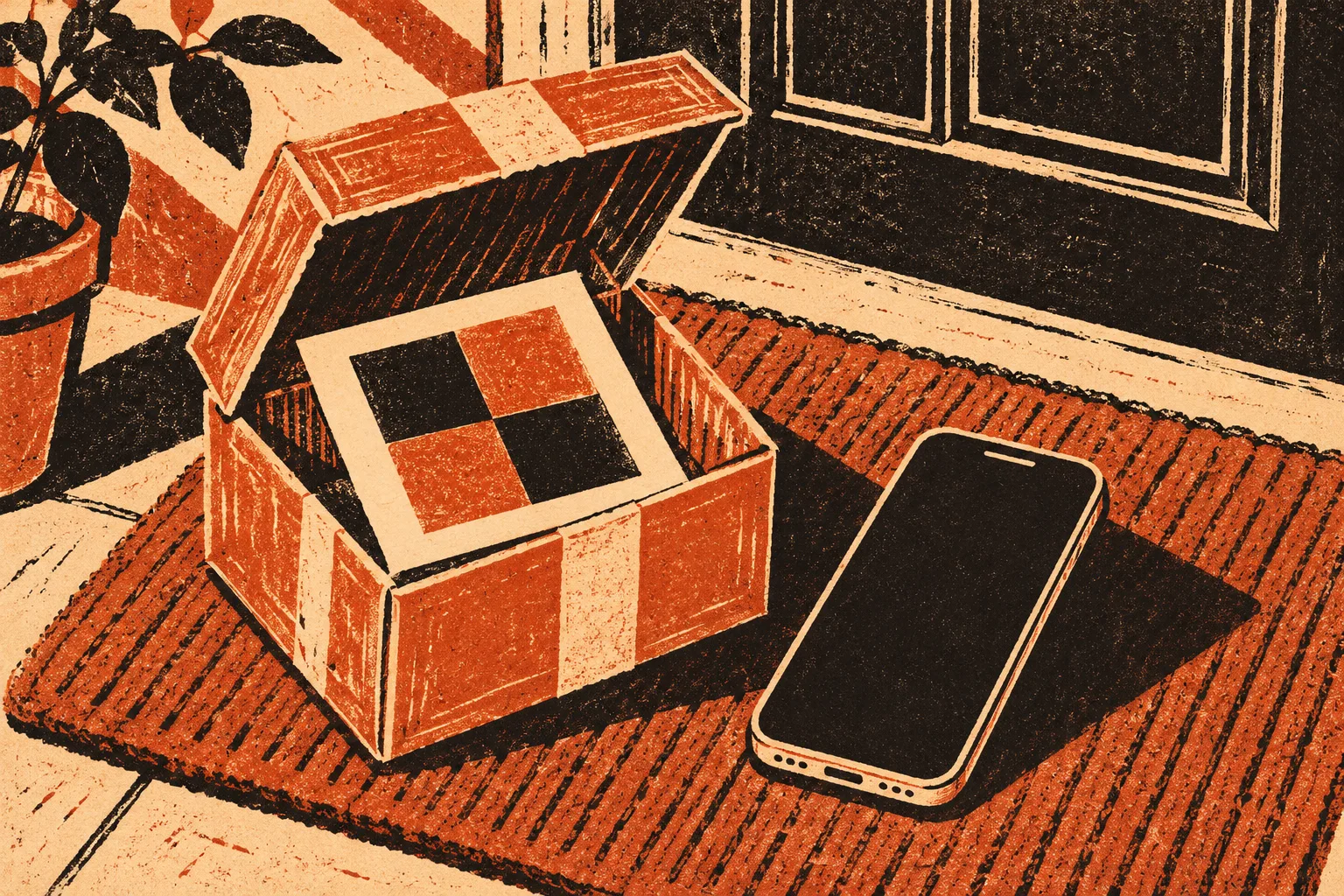
The box has your name and address on it. Inside are earbuds you did not buy, or a phone stand, or a cheap phone case, plus a little card that says to scan a code to find out who sent the gift. If you have not scanned it, leave it. If you already did, this page walks through the next hour.
It usually lands in the busiest weeks of the year, when parcels pile up on the step and one more box does not look strange. You open it expecting something you forgot you ordered. Nothing on the packing slip matches your orders, and there is no gift note from anyone you know.
The Federal Trade Commission described this exact situation in an August 20, 2026 consumer alert. It calls the practice brushing: a seller sends cheap, random goods in your name so it can show a “delivery” and then post fake reviews that look like they came from a verified buyer. The FTC adds the newer twist that matters here. Some of these packages include a note with a QR code that promises to reveal the sender or to start a return, and the agency warns that scanning “could take you to a phishing website designed to steal information.”
You do not owe anything for the package and you do not have to send it back. The FTC says the law does not require you to return things you did not order. The risk is not the box. It is whatever the QR code asks you to type in.
What the card says, and what it is really after
The wording varies, but the cards tend to offer one of a few reasons to scan. Each one leads toward a page that wants something from you.
| The card or page says | What it may be after | A safer route |
|---|---|---|
| “Scan to find out who sent your gift” | Curiosity is the hook. The page may ask you to sign in with a shopping or email account to “see the message” | Check your own order history in the shopping app you normally use. If a friend sent it, they can tell you |
| “Scan to start your free return” | A return form that collects your name, phone, card number or a “small shipping fee” | Skip the return. You are not required to send unordered goods back |
| “Leave a review to claim a reward” | Your account login, or a payment for a “processing fee” on the reward | Ignore it. A real reward does not need your password or a fee |
| “Your delivery failed, confirm your address” | Card details for a redelivery charge on a parcel that has already arrived | Look up any real delivery problem on the carrier’s own site by typing its address yourself |
If you already scanned the code
Scanning on its own is less important than what happened next. Think back over the page that opened, then go to the matching line below.
- The page opened and you closed it without typing anything. Clear that tab and do not return to the page. Keep an eye out for follow-up texts or emails that reference the package, and do not reply to them.
- You signed in with a shopping, email or social account. Change that password now, from the official app or a site you type in yourself. The FTC’s QR code alert from September 3, 2026 says to change the password on any other account where you used the same one. Turn on two-factor authentication where it is offered.
- You entered a card number or paid a fee. Call the card issuer using the number on the back of the card. The FTC’s what to do if you were scammed page says to report it immediately and ask for the charge to be refunded. Ask for a replacement card while you are on the line.
- You gave your Social Security number or date of birth. The same FTC page sends you to IdentityTheft.gov. If the number has been misused, you get a recovery plan there; if you are not sure, it has steps for exposed information.
- The page asked you to install an app or a “viewer.” If you installed it, remove it, update your phone’s software and security tools, and change important passwords from a different device. Do not grant it any permissions it asks for.
The rest of the checklist
Even if you never touched the QR code, the FTC treats a brushing package as a sign that someone has your name and address and may be using them on a marketplace. Its alert lists steps that take ten or fifteen minutes in total.
- Change passwords on your online shopping accounts. The FTC suggests this “in case they were compromised.” Start with any account that shares a password with another site.
- Check your recent orders and saved addresses in each shopping account. Remove any address or payment method you do not recognize.
- Tell the marketplace. If the packing slip or label names a marketplace, the FTC says to message the platform so it can investigate removing the seller. Include a photo of the label.
- Check your credit. The FTC notes you can check your credit reports weekly for free at AnnualCreditReport.com. Look for accounts or inquiries you did not open.
- Report it at ReportFraud.ftc.gov, with a photo of the label, the card and the QR code’s web address if your camera showed it.
Should you use what was inside?
The FTC’s alert says you do not have to pay for unordered items, then adds a caution: be careful about using the product. These are unknown goods from an unknown seller. A cheap charger or a pack of unlabeled seeds is not something to plug in or plant without thinking. If you are unsure, throwing it away is fine.
Keep the outer label and the card for a couple of weeks, though. They are the most useful evidence if a bill, a collection letter or an account you did not open appears later.
When it is not brushing
Not every surprise box is a scam. Before you report it, rule out the ordinary explanations.
- A relative used your address for a gift order and forgot to say so.
- A subscription you signed up for months ago has started shipping again. Check your card statement for the charge.
- The parcel was meant for a neighbor and the carrier misdelivered it. The name on the label tells you.
If the name is yours, nothing was charged, and nobody you know sent it, treat it as brushing and use the checklist above.
If more packages keep coming
Some people get a second and third box from the same seller. Each one is a small reminder that your details are in someone’s system. Report every delivery to the marketplace named on the label and add it to your FTC report. Refuse delivery if you are home when the carrier arrives. The packages themselves are not dangerous to your money. The follow-up messages are: a later text about an unpaid “return fee” or “delivery charge” for these goods follows the same pattern as the parcel redelivery fee trap and the holiday customs-fee text. Codes stuck in public places carry similar risks, which the parking QR sticker guide covers.
Sources
- FTC, That unexpected package you got could be a brushing scam (August 20, 2026)
- FTC, See a QR code parked somewhere? Don’t scan it…yet! (September 3, 2026)
- FTC, What to do if you were scammed
- FTC, IdentityTheft.gov
- AnnualCreditReport.com
Found a factual error or a source that has changed?
Send a correction →