The warning on your screen is not a diagnosis. The ‘refund’ call may be the trap.
Separate a browser message, a real account charge and remote access. They create different risks and require different responses.
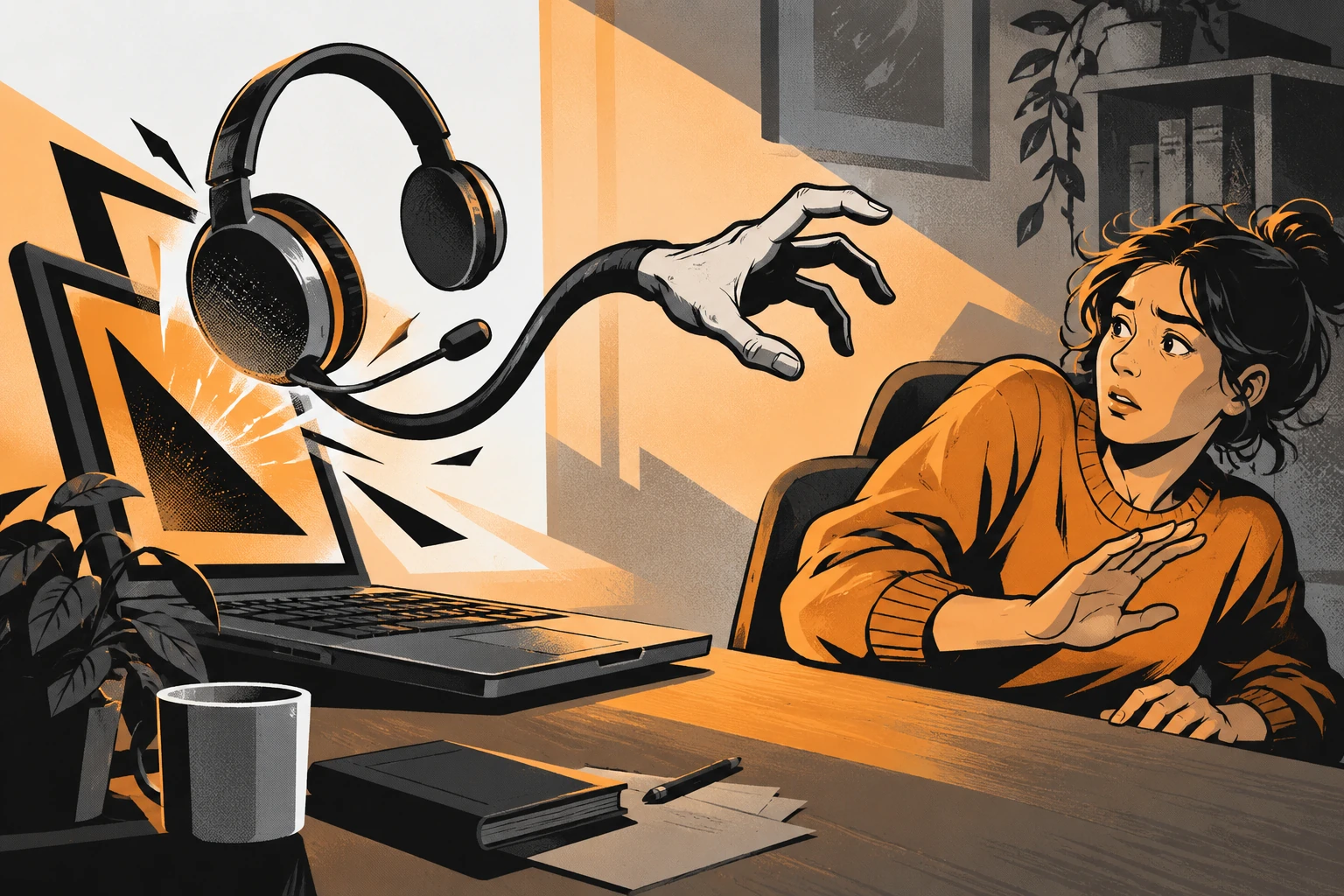
A browser warning fills the screen. A voice tells you not to shut down. A receipt says an expensive subscription has renewed and provides a number for cancellations. Each opening presents a problem and places the proposed solution beside it: call this number, install this tool, let this person help.
The warning and the helper may be parts of the same deception. Treat a message on a webpage as webpage content until you have independent evidence of a device or account problem. Treat an invoice as a claim about a charge until you check the actual account.
Start by naming the problem accurately
“My computer was hacked” may be your understandable first impression. But it combines several possibilities: a frightening page appeared, a file downloaded, software ran, a remote session was approved, credentials were entered, or a payment was made. Those events are not interchangeable.
The FTC’s tech-support scam guidance describes unexpected calls, pop-up warnings and claims that a device needs repair. Its core consumer message is to avoid the contact route supplied by the alarming prompt and seek help from a source you already trust.
You do not need to identify the exact script or company name used by the scammer before acting. A sensible first question is: what happened beyond the display of the warning? If you cannot remember, say so to a trusted support provider. Uncertainty is more useful than confidently reporting a step that did not occur.
Why a refund story can lead to device access
An unfamiliar receipt creates an urge to cancel quickly. Calling the number in the receipt feels like fixing a billing error, not answering an unsolicited sales pitch. But if the receipt is fabricated, the cancellation route can be fabricated too.
Scamwatch’s July 14, 2026 warning about fake purchase callbacks describes messages that direct people to call about purchases they did not make. The later conversation may introduce refund claims, money-return requests or remote-control software.
The useful separation is between a receipt in a message and a transaction in your real account. Open the payment service or bank independently. If there is no matching transaction, that does not justify calling the message’s number for an explanation. If there is a matching transaction, contact the provider through the route you chose yourself.
Match the response to the exposure
| What happened | What you know | A reasonable next step |
|---|---|---|
| A warning appeared in a browser tab | A page displayed an alarming claim | Close it without following its instructions; use normal browser or operating-system controls |
| A file downloaded but was not opened | A file reached the device | Do not run it; seek trusted guidance if unsure how to handle it |
| You installed a remote-access tool | Software capable of remote interaction may be present | End access and get qualified help assessing the device |
| You signed in while sharing the screen | Account information or actions may have been exposed | Secure the relevant account from another trusted device |
| You paid for a repair or sent a refund back | Money left through a specific payment method | Contact that provider and explain the deception |
This table does not certify that a device is clean. It helps you give a support professional an accurate starting point. If the device belongs to an employer, contact the organization’s IT or security team before removing software or resetting the machine.
Remote access changes the priority
If a session is still active, end it and disconnect the affected device from the network if needed to stop ongoing remote interaction. Use another trusted device to contact your bank or secure important accounts. Do not change sensitive passwords while a stranger can still observe or control the same screen.
Write down the remote-access application’s name, the approximate time, the accounts you opened and any payment or security-setting changes you remember. A legitimate remote-support application can be misused; its recognizable brand does not authenticate the person controlling it.
Microsoft’s consumer guidance on support scams addresses both recognition and recovery. The appropriate cleanup depends on what was installed or changed. A single reassuring scan result should not be treated as a universal guarantee that every account, session and device setting is safe.
If you are not comfortable assessing the machine, use the manufacturer, your employer or a trusted local provider. Do not find “emergency support” through the same pop-up or through a stranger who contacts you after you describe the problem publicly.
An apparent over-refund is not your debt
A caller may say they accidentally refunded too much and urgently need you to return the difference. Their story can appeal to sympathy: a job is at risk, a manager will be angry, or the error must be fixed before a deadline. The emotional appeal does not establish the transaction.
Check your actual payment history through a trusted device and ask the provider about the supposed refund. Do not send gift cards, cryptocurrency or a separate transfer to correct a balance displayed during a session controlled by the caller. Do not move money based on a screenshot or a number they read aloud.
If a real credit appears, let the provider explain the appropriate process. A refund and a new outgoing payment are different transactions. A caller’s promise that one cancels the other does not make them legally or technically linked.
Account cleanup is broader than changing one password
If a password or code was exposed, use the provider’s official recovery and security controls. Review active sessions, recovery email addresses and phone numbers, and connected applications where those settings are available. Change reused passwords on other affected services. For workplace accounts, ask the security team to handle organizational sessions and access records.
Prioritize the accounts actually involved. Email deserves attention because it often receives recovery messages for other services. Banking and payment accounts deserve attention when financial activity occurred. Avoid the exhausting assumption that every account must be rebuilt immediately if the only event was a browser pop-up.
Our first-steps guide separates account, device and payment exposure. The FTC’s post-scam page links to additional provider-specific recovery routes. Do not substitute a general checklist for the current instructions of the institution involved.
Keep the next helper outside the original channel
After a stressful call, any confident offer of help can feel welcome. That is exactly why independence matters again. Use a provider you selected through an established route, not someone introduced by the caller or a reply offering guaranteed repair in a public comment thread.
Ask what the helper will do, what access they need and how any fee is agreed before the session starts. Real support can involve remote access when you deliberately arrange it with a trusted provider. The risk is not the mere existence of remote software; it is granting access under an unverified identity and an invented emergency.
Questions after a frightening screen
Can a webpage prove my whole computer is infected?
A claim displayed on a page is not, by itself, a trustworthy device diagnosis. Do not install software or call a number solely because that page says you must.
Should I factory-reset immediately?
Not as a universal first step. The right response depends on what happened, the device and any employer requirements. A reset can also remove useful records. End ongoing access, protect exposed accounts and seek trusted device guidance.
What if the caller knows the support software’s real name?
Knowing or using legitimate software does not authenticate the operator. Verify the support relationship independently before granting access.
If the call shifted from repair to protecting your savings, read the safe-account transfer guide. If someone offers to retrieve money afterward, see the second-payment recovery trap.
Found a factual error or a source that has changed?
Send a correction →