Buyer Says Zelle Needs a Business Upgrade? The Payment Email Is the Scam
A buyer claims a payment is pending until you upgrade your Zelle account or pay a fee. Verify only inside your bank’s app; do not send money to receive money or hand over the item based on a screenshot.
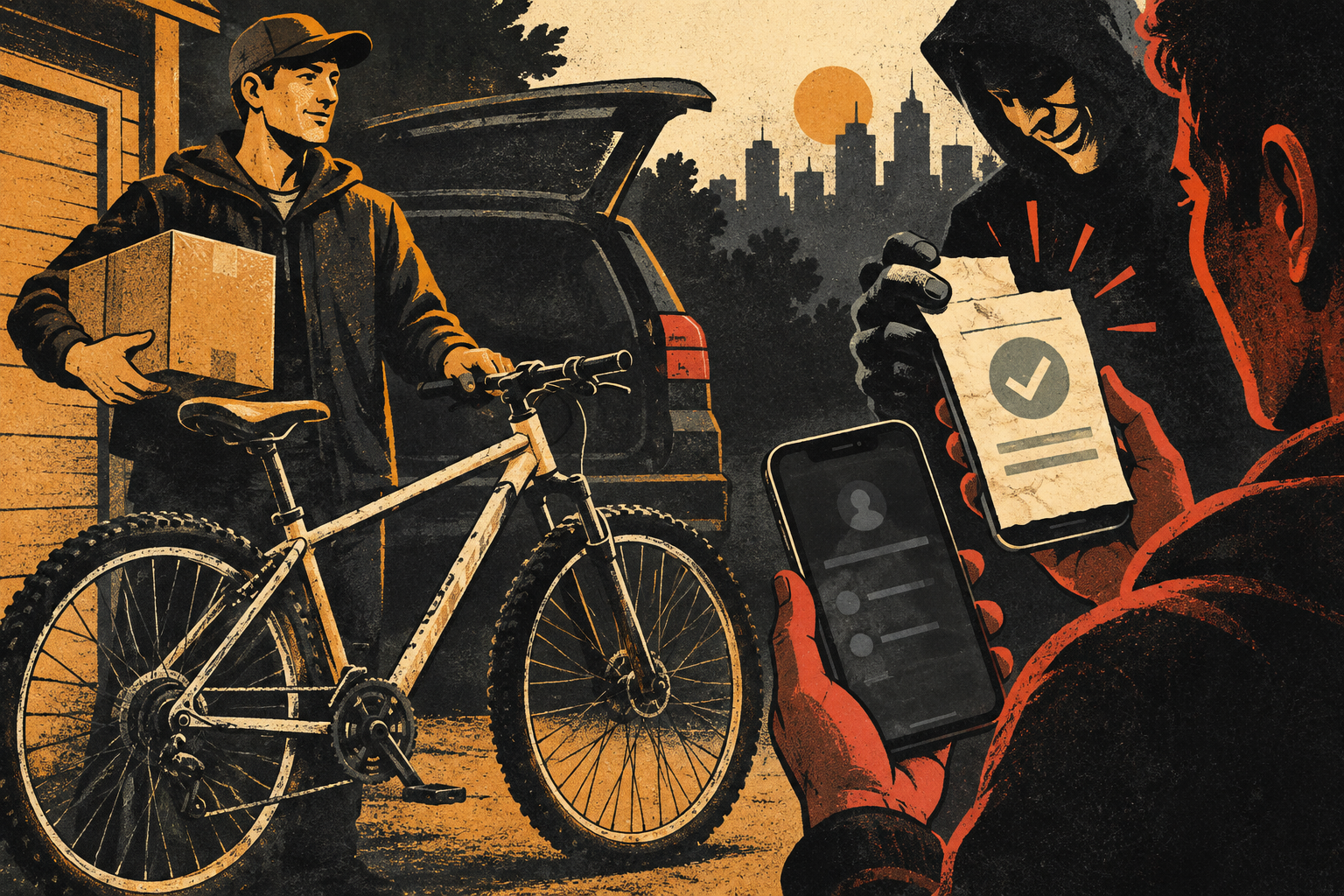
You list a bicycle, phone, sofa, or concert ticket for sale. A buyer says they have sent the money through Zelle. Then an email arrives with a familiar-looking logo: the payment is “pending” because your personal account is not upgraded for business payments. The buyer may offer to send more money first, ask you to refund an “upgrade fee,” or pressure you to ship the item while the message is sorted out.
This is a fake-payment setup. The email and screenshot are not the payment system. A real Zelle small-business account can exist through a participating bank or credit union, but it is not activated by a stranger sending you extra money and asking you to pay part of it back. Verify the transaction only by opening the bank or credit-union app you already use and checking its transaction history or balance.
Safe rule: Do not send money to receive money. Do not pay an “upgrade,” “release,” “verification,” or “insurance” fee to a buyer. Do not hand over or ship the item until the payment appears in your own financial account under the terms you agreed to. If a message says to call a number or click a link to clear the payment, use your bank’s published contact route instead.
What the scammer is trying to make feel normal
The conversation starts with something familiar: a person wants to buy an item. They may sound polite and may not negotiate much. The buyer asks for an email address or phone number associated with the payment service, then sends a screenshot or an email that looks official. The display may say the money is on its way, but the next line introduces a problem only the seller can fix.
Common versions claim that the sender paid from a business account and your account must be upgraded; that a small fee will make a larger payment appear; or that you need to ship first and upload tracking information to “release” funds. Some ask you to return an overpayment. In each version, the crucial action is a separate transfer from you to the buyer or a person the buyer names.
| What the buyer says | What to check | What not to do |
|---|---|---|
| “Your Zelle payment is pending until you upgrade.” | Open your bank app directly and check for an actual posted or pending transaction. | Do not send an upgrade fee or pay the buyer back. |
| “I paid extra; return the difference.” | Check whether the funds are present and contact your bank if an unfamiliar payment appears. | Do not make a separate payment to a stranger. |
| “Here is a screenshot of the receipt.” | Look for the transaction in your own account, not on the buyer’s phone or email. | Do not treat a screenshot as cleared funds. |
| “Ship it now; the app will update later.” | Confirm the payment and the agreed protection rules in your own app. | Do not surrender the item on a promise. |
What a real business account means—and what it does not
Zelle says eligible small businesses can enroll through a participating financial institution, subject to that institution’s requirements. A business account is a real option for a qualifying business. That fact is sometimes used to make an invented “seller upgrade fee” sound credible. It does not mean a private buyer can upgrade your account by paying you extra or by emailing you instructions.
Zelle describes a normal payment as money moving from the sender’s bank account to the enrolled recipient’s account, often within minutes when both parties are enrolled. Exact availability and account features depend on the bank or credit union. If you are a legitimate small-business owner and want to use Zelle, ask your own financial institution how to enroll. Do not use instructions or contact details sent by a buyer you have not met.
Also keep the nature of the sale in mind. Zelle cautions users to send money only to people and businesses they know and trust, and says authorized payments to enrolled recipients typically cannot be canceled. A marketplace stranger may not be the right person to pay with an instant bank-to-bank transfer. Check the platform’s actual transaction and buyer-protection rules before agreeing to an off-platform payment.
A seller’s five-point check before releasing an item
- Open the banking app yourself. Do not follow a link in an email, text, or marketplace chat. Use the app icon or the address you already know.
- Check the transaction record. A message in your inbox is not proof. Confirm recipient, amount, status, and whether the funds are actually available according to your bank.
- Reject pay-to-unlock instructions. A buyer should not require you to send a separate payment, gift card, cryptocurrency, or transfer to “activate” an incoming payment.
- Keep communication and payment on the platform where possible. Moving to a private email or messaging app can remove platform records and make it harder to use the marketplace’s own resolution process.
- Set a clear handover rule. For an in-person sale, agree on a safe location and confirm payment on your own device before releasing the item. For shipping, use the platform’s approved checkout and tracked label where available.
Do not let a buyer turn caution into an accusation: “You’re wasting my time,” “I already paid,” or “The courier is here” does not change the evidence. If the payment cannot be verified in your account, the transaction is not ready to complete. You can end the conversation without proving that the person is a scammer.
If an unfamiliar payment really appears
Sometimes a genuine payment arrives from the wrong person, or a transfer made with stolen account details later becomes disputed. Do not spend the money, and do not send a separate payment back to the stranger. Contact your bank or credit union using the number on your card or in its official app. Explain that you received a payment you do not recognize and ask what the institution wants you to do. A direct reversal or bank-guided resolution is safer than a new transfer to an account selected by the sender.
If you have already shared a one-time code, password, or login link, tell your bank immediately and secure the email account tied to your payment profile. Change any reused password from a trusted device, review recent activity, and enable available security protections. A code can authorize a sign-in or a payment; never forward it to a buyer who says they need it to prove the transaction.
If you paid an upgrade fee, contact your bank or payment provider at once and ask whether the transfer can be stopped or disputed. Preserve the marketplace listing, profile link, buyer messages, email headers, payment screenshot, and transaction record. Report the buyer through the marketplace and report the fraud to the FTC. Recovery is not guaranteed, but prompt reporting gives the provider a chance to act.
Why screenshots and email can be convincing
Payment notifications are familiar, so a convincing design can make a seller stop checking. A screenshot can be edited, and an email sender name can be misleading. Even an email that appears to come from the right company is not the authoritative record of funds in your bank account. The bank app is the place to confirm the transaction; if anything is unclear, contact the bank through a known route.
Marketplace scams also mix tactics. A buyer may first ask for a verification code, then claim a payment is pending, or send a fake courier confirmation. Our guide to marketplace buyers who ask for a verification code explains why a code sent to your phone is not a harmless identity check. If the item is on eBay, keep the order and resolution in eBay’s own case process rather than closing a dispute because a buyer promises to resend it; see our guide to protecting an item-not-received claim.
Questions sellers often ask
Can Zelle payments be held until I ship?
Zelle’s official guidance describes payments going directly to an enrolled recipient’s bank account, typically within minutes. Do not rely on an email that says shipment or a fee will release a payment. Confirm the actual transaction with your bank.
Are all Zelle payments from buyers a scam?
No. The issue is not the brand name by itself; it is the request to bypass normal safeguards, trust a screenshot, pay a fee, disclose a code, or release property before confirming funds. For a stranger, consider the platform’s approved payment method and protections.
What if a buyer says my account is too new?
Ask your bank directly whether your account can receive the payment. Do not use the buyer’s number, email link, or instructions. If the buyer insists that you send money first, stop the transaction.
Sources and further reading
- Zelle: Small-business enrollment — eligible businesses enroll through a participating financial institution.
- Zelle: Security and payment safety — advises sending only to people you know and trust and checking recipient details.
- Zelle: Consumer payments to small businesses — explains how business enrollment works and cautions about payments to strangers.
- Zelle: How to Spot a Scam (2026) — practical warning signs for payment scams.
- Recent r/Scams report — user-described “business account upgrade” messages; anecdotal illustration, not proof of prevalence.
Found a factual error or a source that has changed?
Send a correction →